
Download

Sush: run an AI agent together

Run an AI agent together.

Share a live session of the Sush harness with a link. Your team watches the agent work, suggests the next step or takes the wheel, while the run and your keys stay on your machine.

  • Windows
  • macOS
  • Linux
  • End-to-end encrypted
  • Any model
01 / Multiplayer

One agent, the whole team.

Agents are single-player: one person, one chat. The Sush harness lets you share a live session, so the people who know the code can watch it work, catch it early and steer it with you. Below, Suraj hands his session to Shruti and takes it back.

Suraj's app · hostShruti's app · guest
Each app gets half the screen
  1. 01 · Share

    One link, a lobby

    Share a running chat or Cowork session. Anyone with the link knocks, and you decide who comes in.

  2. 02 · Roles

    Watch, suggest or drive

    Viewers follow the transcript, tool calls and diffs. Collaborators suggest messages and comment. One driver steers.

  3. 03 · Control

    Pass the wheel

    Guests ask to drive and you hand over control, with the approvals you choose. One click takes it back.

  4. 04 · Private

    Your machine, encrypted

    The run, the folder and your keys stay with you. Shares are end-to-end encrypted, so the relay only sees ciphertext.

02 / The Sush harness

A chat app that actually does the work.

The Sush harness is a desktop app for working with AI. Chat with any model, then hand it a folder and let it edit, run and review, inside a sandbox, with every change undoable. Share a session live and steer it together.

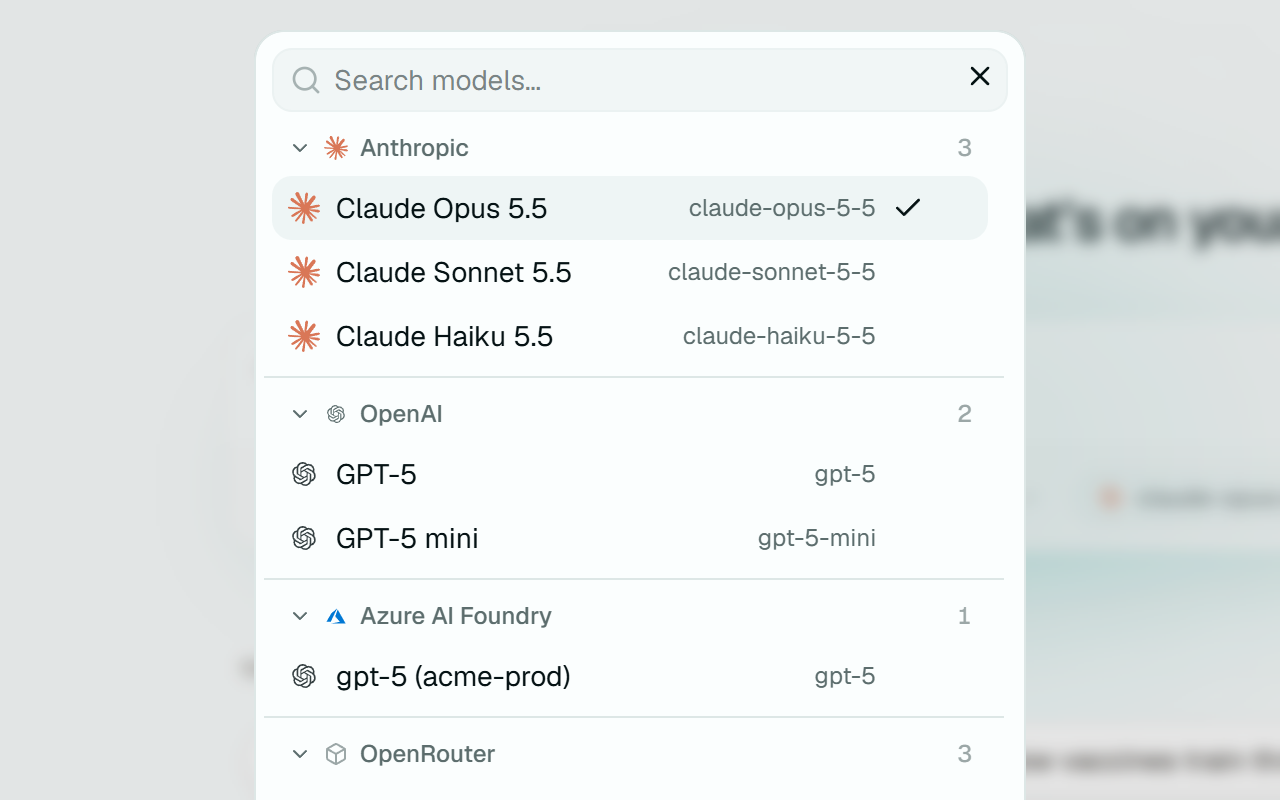
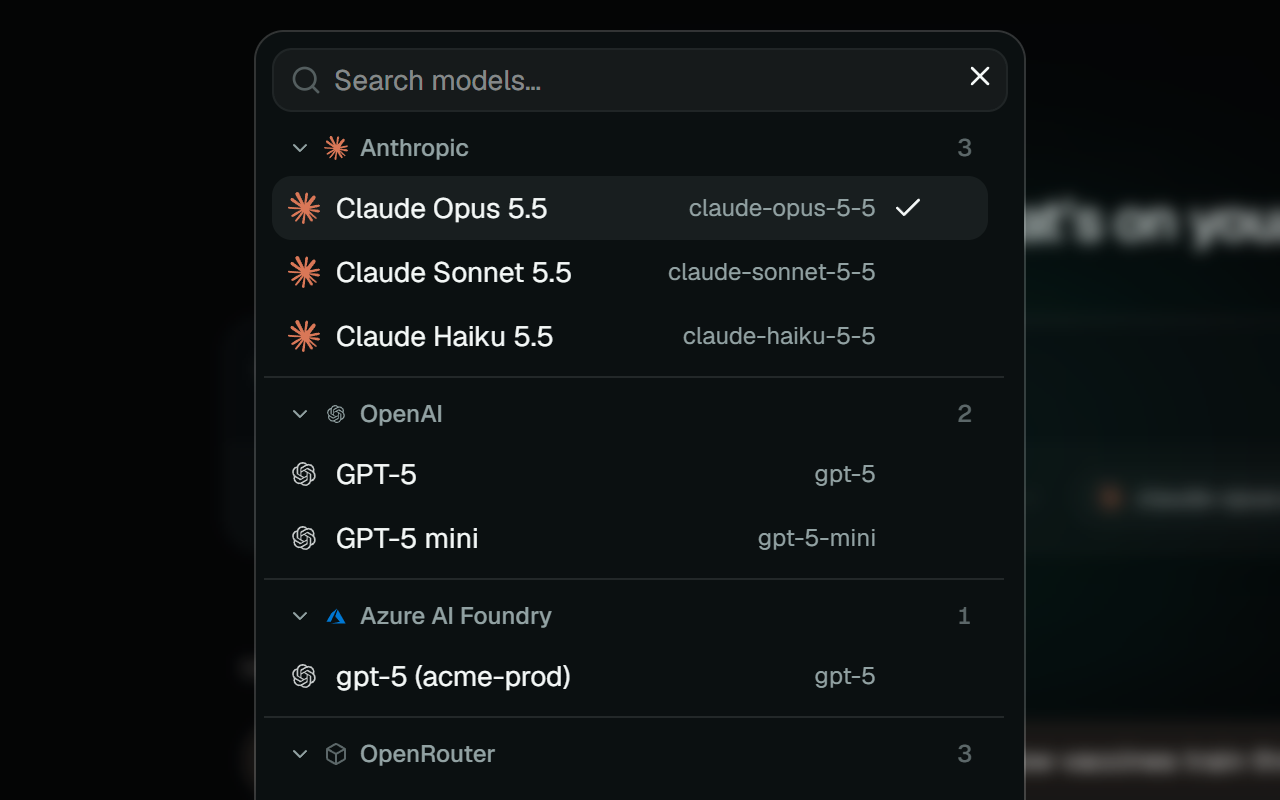
The model picker, listing models from Anthropic, OpenAI, Azure AI Foundry and OpenRouter
Models01 / 08

Any model, one window

Anthropic, OpenAI, Azure Foundry, Bedrock, OpenRouter, Groq, or a local model through Ollama or LM Studio. Any endpoint that speaks the OpenAI or Anthropic API works too. Your API keys live in the OS keychain.

More on models
~/shop · coworkready
  • src
  • app.tsx
  • api.ts
  • user.ts
  • api.test.ts
  • .env

Give it a task:

Scripted demo
Cowork02 / 08

Hand it a folder

Grant a folder and the agent reads, edits and runs things inside it, with a file tree, editor and terminal beside the chat. It can't reach outside the folder, and secret files like .env need your approval. Try it: pick a task, then undo it.

More on cowork
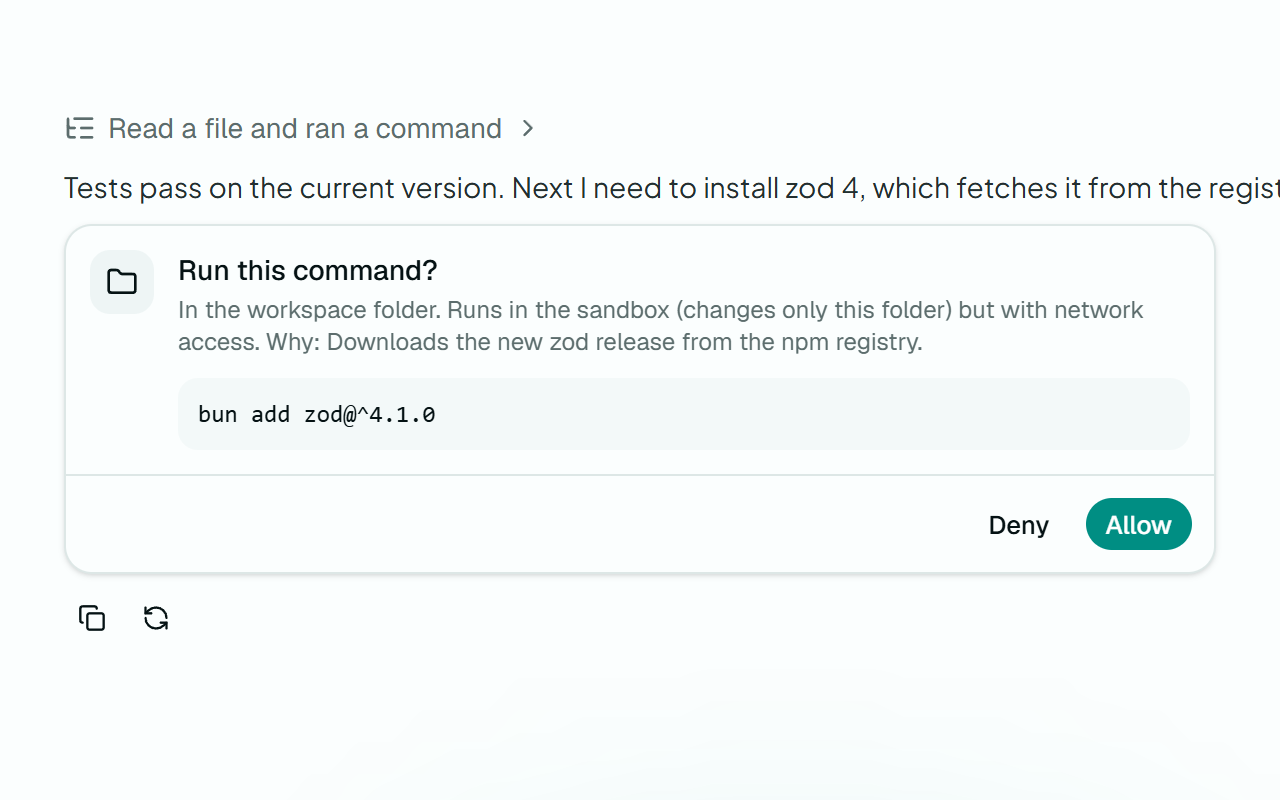
The harness asking before it runs a command, saying it runs in the sandbox and why it needs the network
Sandbox03 / 08

A shell with walls

Commands run in an OS sandbox: Seatbelt on macOS, bubblewrap on Linux, a restricted token on Windows. Writes stay in the workspace and the network is blocked unless you say otherwise.

More on sandbox
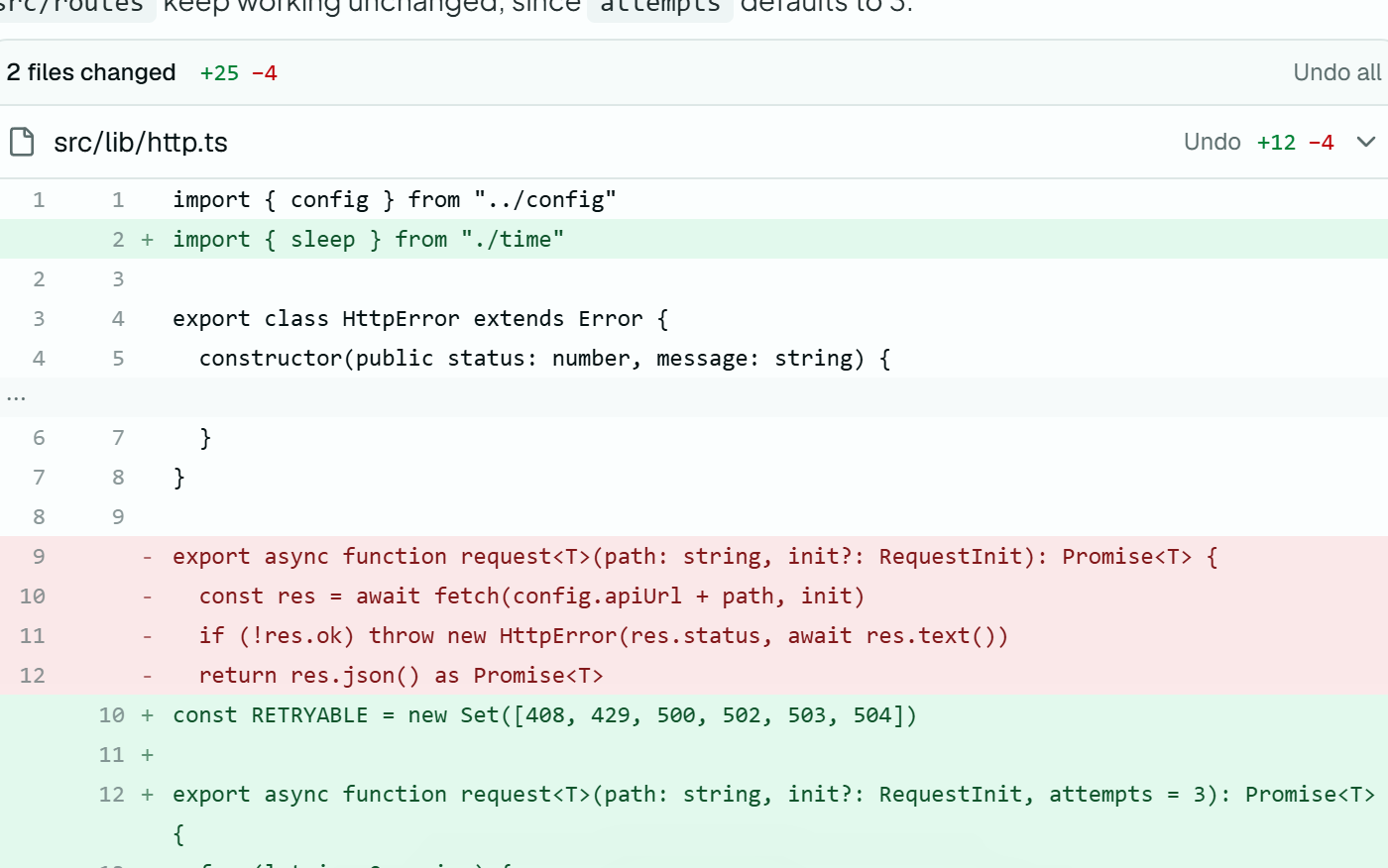
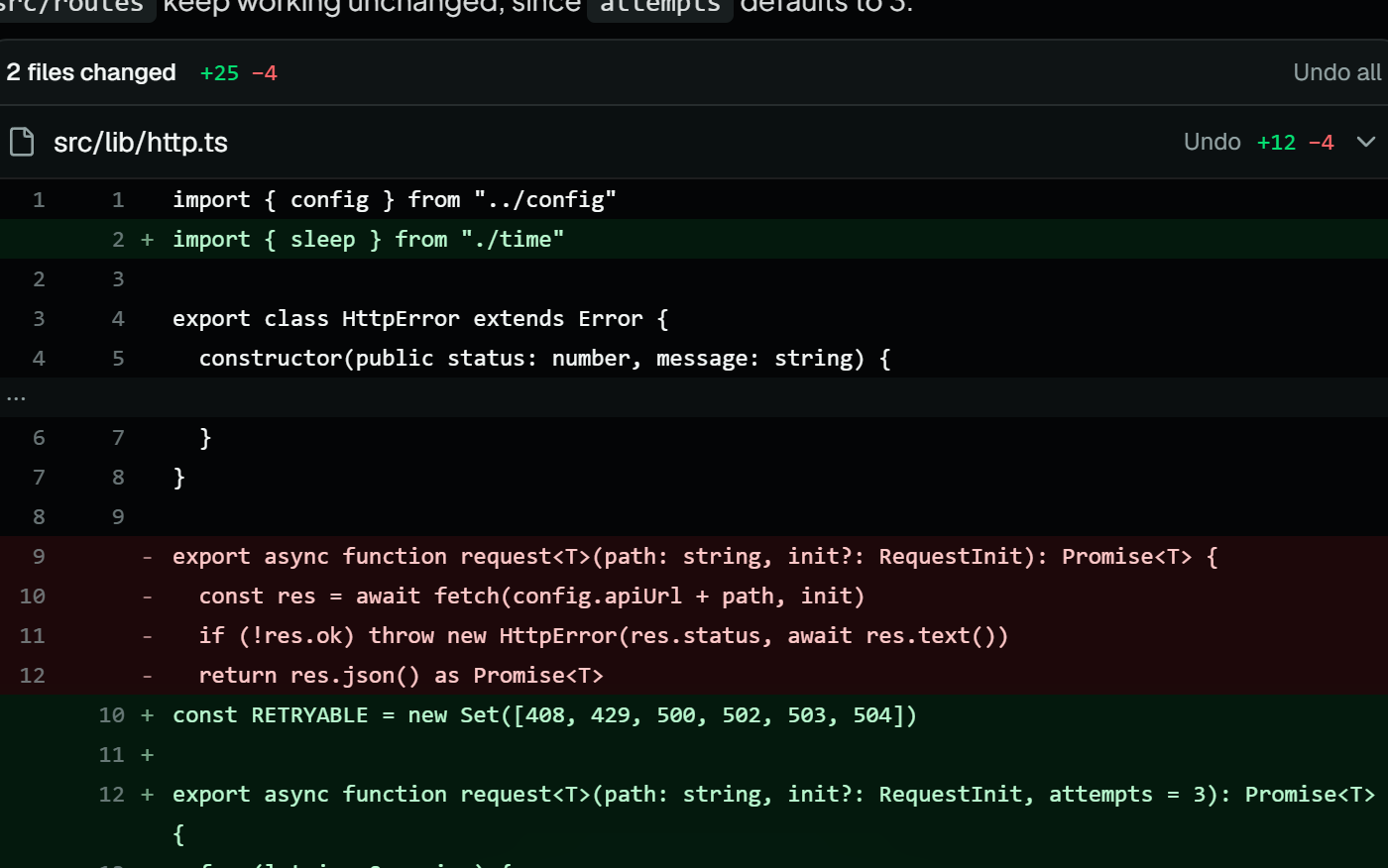
The two files a turn changed, one open to its diff, each with an Undo button
Undo04 / 08

Every turn, undoable

Sush checkpoints a file before it changes it. Each turn lists the files it touched with a diff, and one click puts back the whole turn or a single file.

More on undo
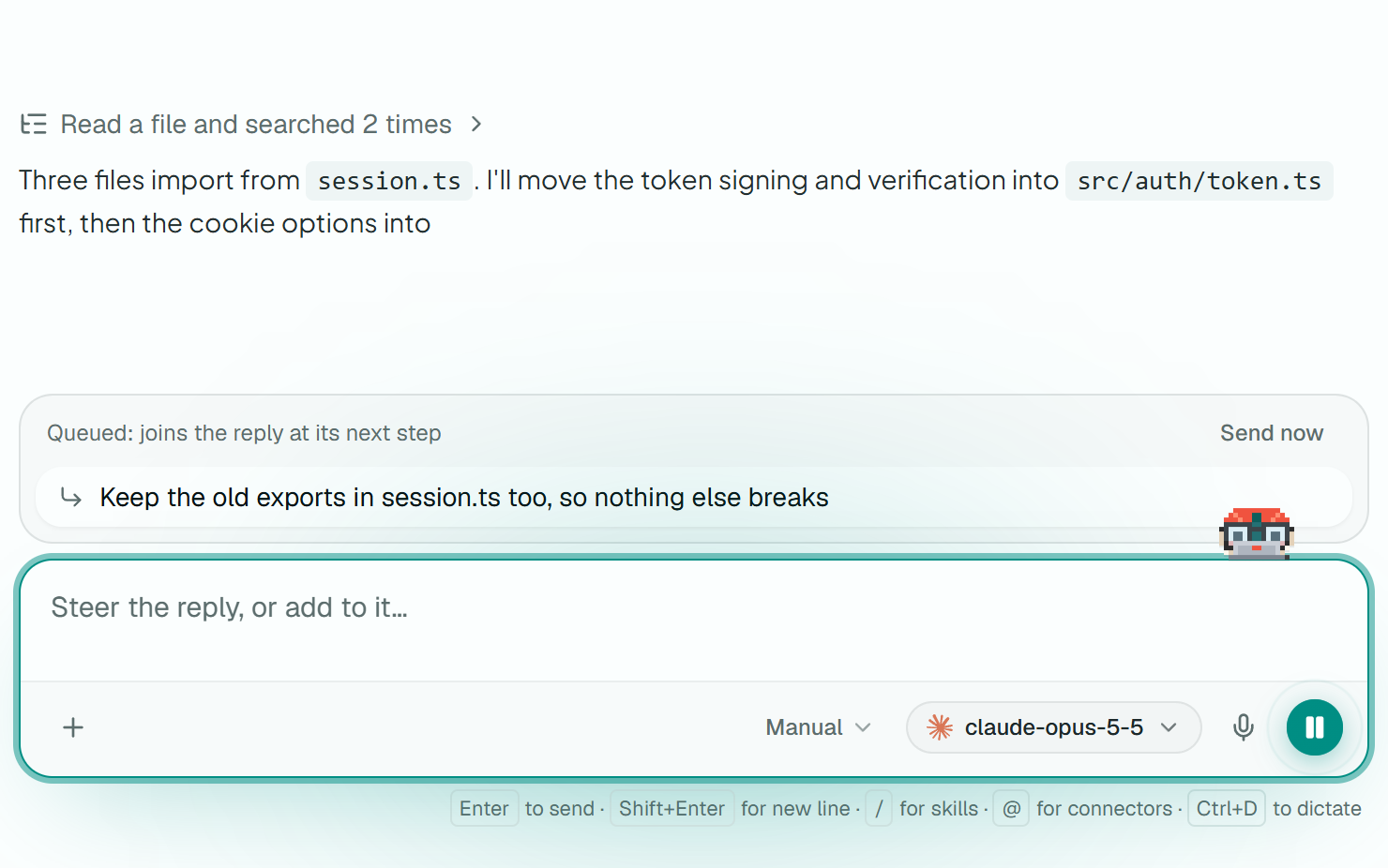
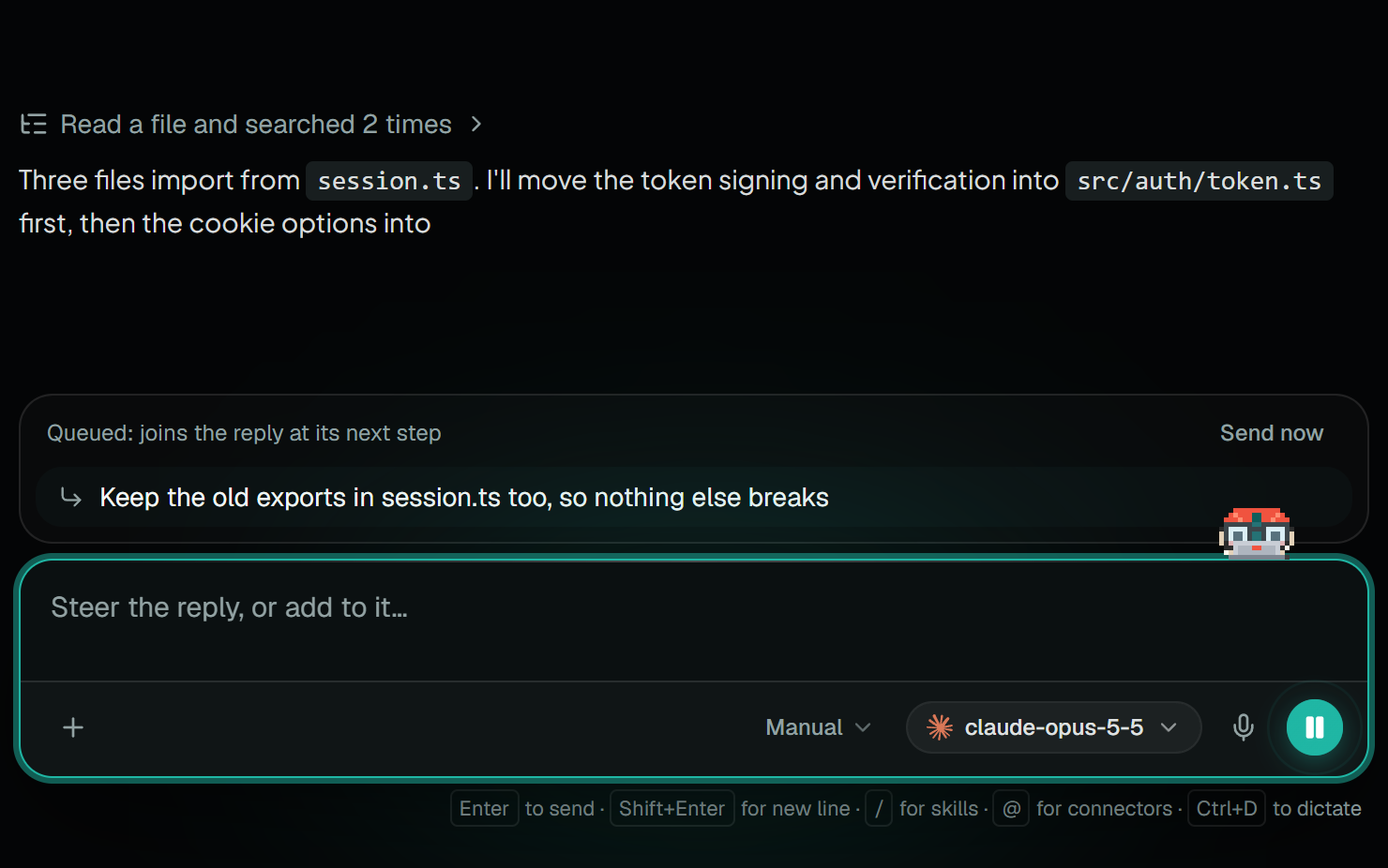
A message queued while the agent works, with a Send now button
Steering05 / 08

Steer it while it works

Send a message mid-run and it joins at the next step, or hit Send now to cut in at once. Stop a reply, then resume it where it left off.

More on steering
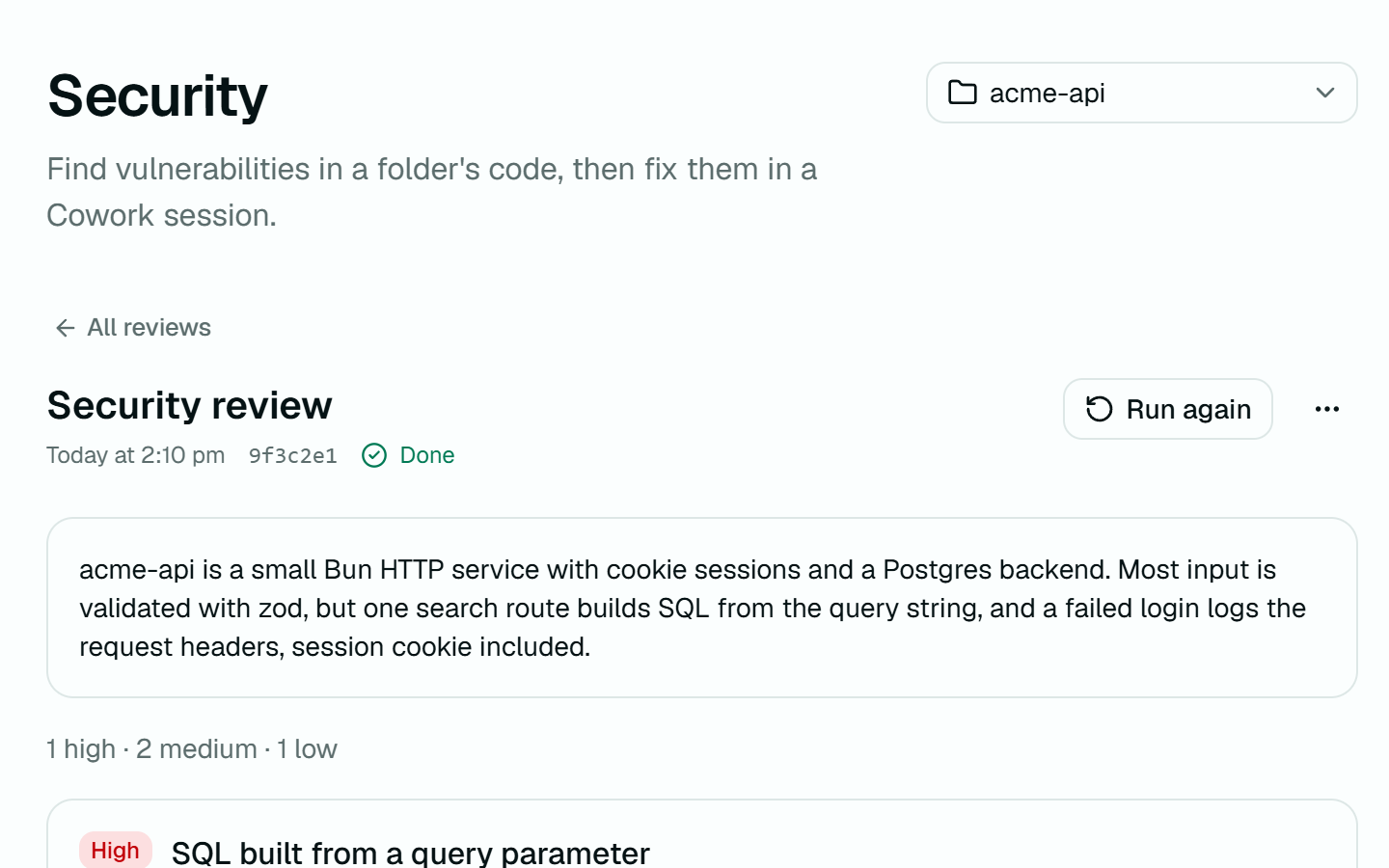
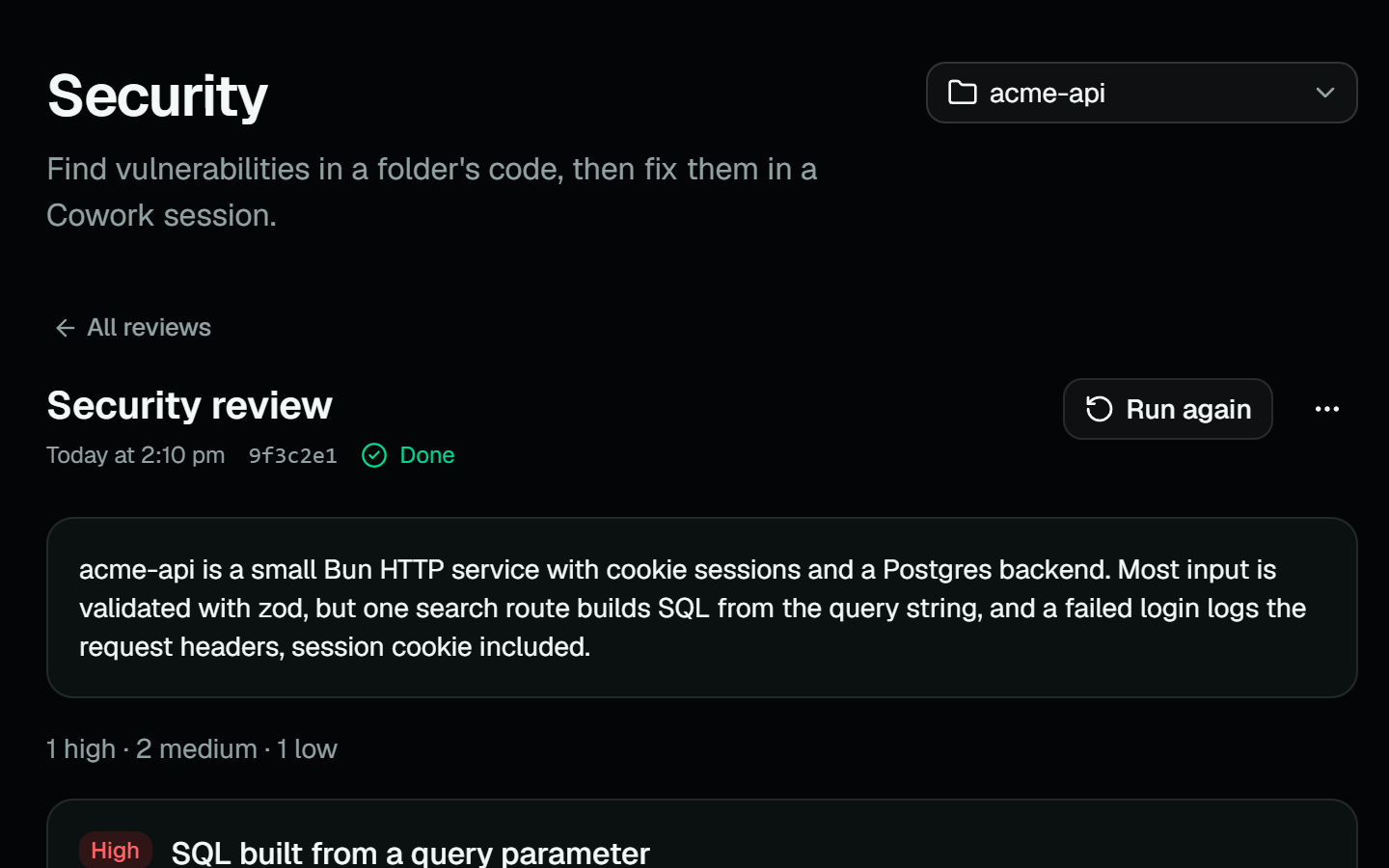
A finished security review: a summary, then a high-severity finding with its file, line and a suggested fix
Reports06 / 08

Reviews and wikis of your code

Run a security review, a code review, or a full codebase wiki on any workspace. Findings cite the file and line, and Fix opens a session to sort it out.

More on reports
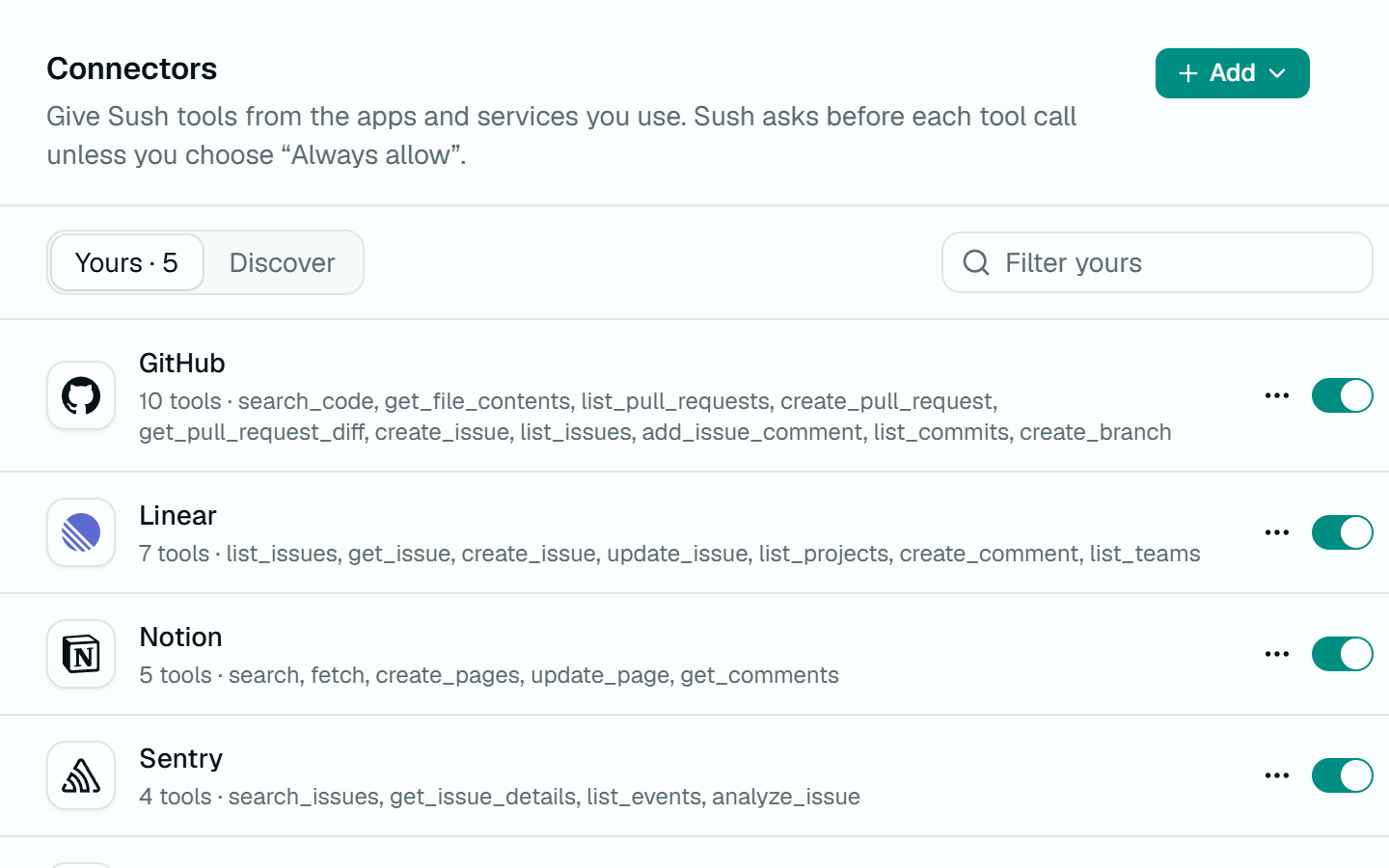
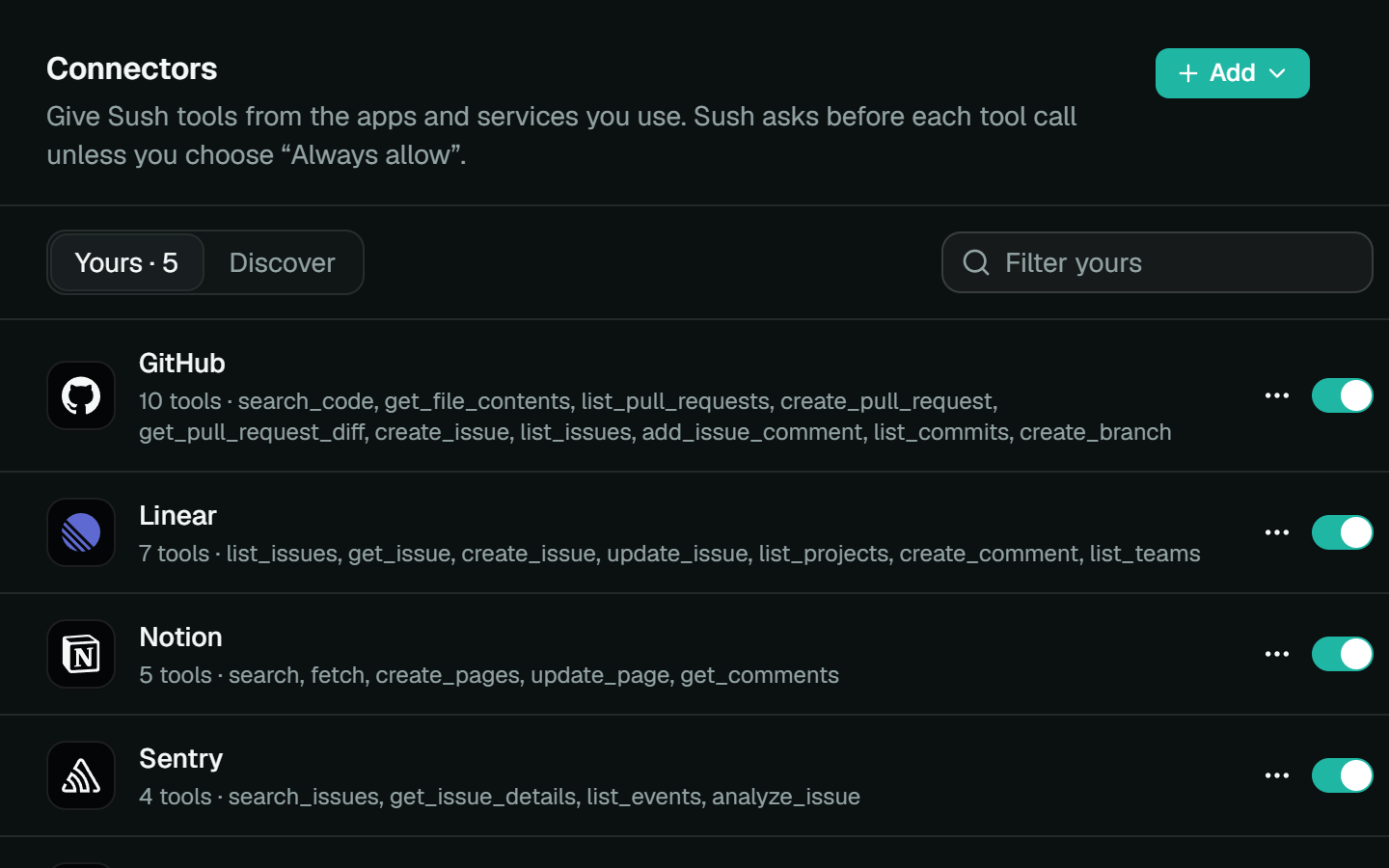
Settings, Connectors: GitHub, Linear, Notion, Sentry and Neon connected, each with its tools
Connectors07 / 08

Plug in your tools

Connect any MCP server over stdio or HTTP, with OAuth handled for you. Mention a connector with @ and its tools join the conversation.

More on connectors
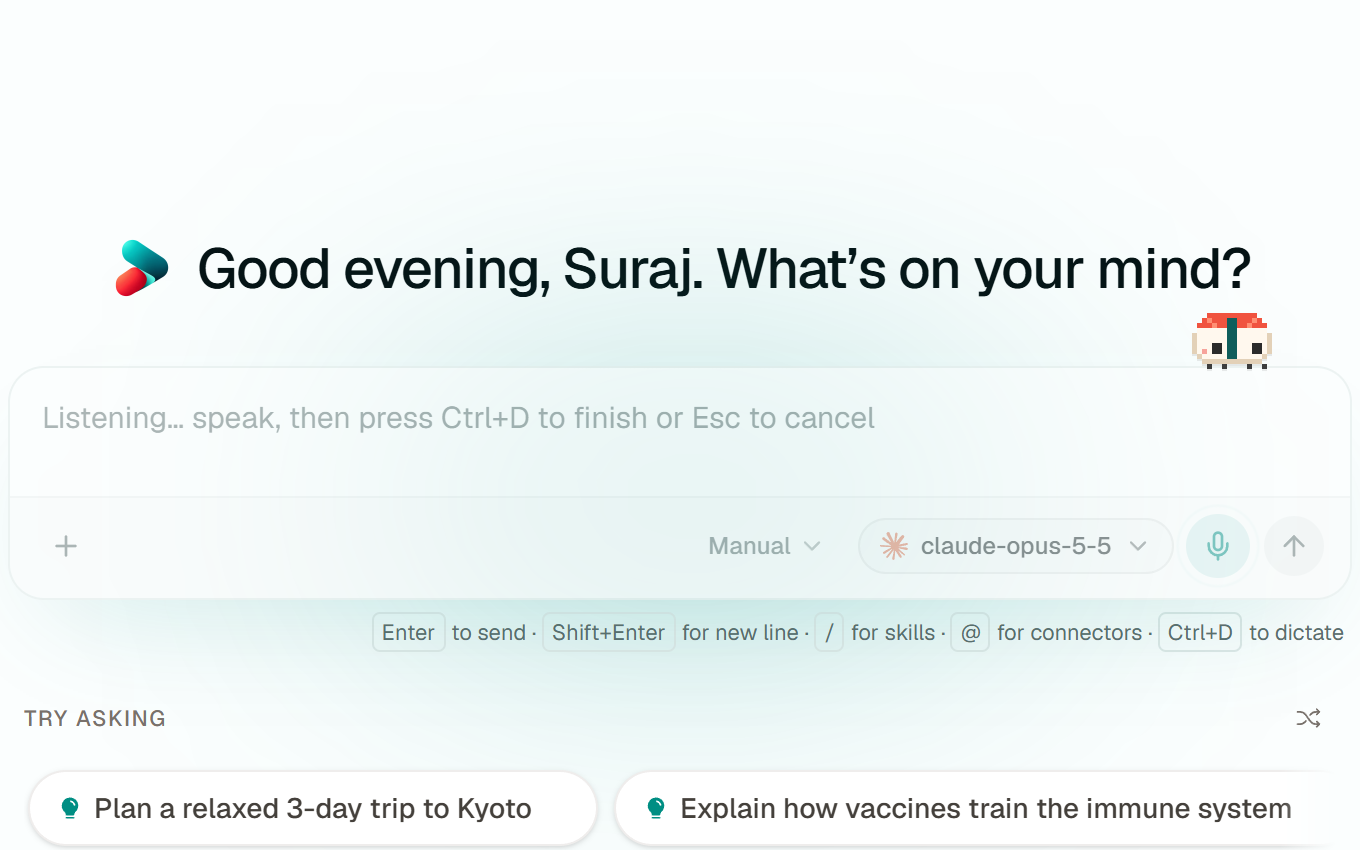
The composer listening for dictation
Voice08 / 08

Talk to it, privately

Dictation runs Whisper on your own machine, so your voice never leaves it. Chats, memory and files are stored locally too.

More on voice
03 / How it works

One turn, five beats.

  1. Chat01

    › Add retries to the fetch helper

    model · claude-opus

    1

    Say what you want

    Pick any model, yours or local, and describe the job in plain words.

  2. Folder02

    granted ~/shop

    locked .env

    2

    Hand it a folder

    Grant one folder. That's its whole world: it can't see past it, and secrets need your say-so.

  3. Sandbox03

    $ bun test

    12 passed · network blocked

    3

    It works behind walls

    It reads, edits and runs commands inside an OS sandbox, with the network off unless you allow it.

  4. Review04

    src/api.ts +6 −2

    src/app.tsx +1 −1

    4

    You read the diff

    Every file it touched, listed with its diff. Steer it mid-run if it wanders.

  5. Undo05

    ↺ Undo turn

    2 files restored

    5

    Keep it, or put it back

    Files are checkpointed before they change. One click rewinds the whole turn.

05 / Why Sush

Your work stays on your desk.

No middleman between you and the model. Sush runs on your computer, talks to the provider you choose, and keeps what it learns about you to itself.

01

Local first

Chats, memory and files live on your machine. API keys go to the OS keychain, never to a server of ours.

02

Your model, your bill

Bring your own key and pay the provider directly, or run a local model and pay nothing per token.

03

You hold the brakes

Shell commands ask first unless the sandbox is on. Incognito chats are never saved. Every edit can be undone.

06 / The studio

Made in Chennai.

Sush is Suraj and Shruti, a couple building the AI products we want to use ourselves: the harness, Yammer and a UI component library. More are on the way.

P/01Sush harness Available
P/02Next productIn the works
Windows · macOS · Linux

Start building.

Download the harness, add a key or point it at a local model, and you're chatting in a minute.