
Everything the harness can do.
Chat with any model, hand it a folder, and let it read, edit, run and review, inside a sandbox, with every change undoable. Share the session and steer it together. Every screenshot here is the app itself.
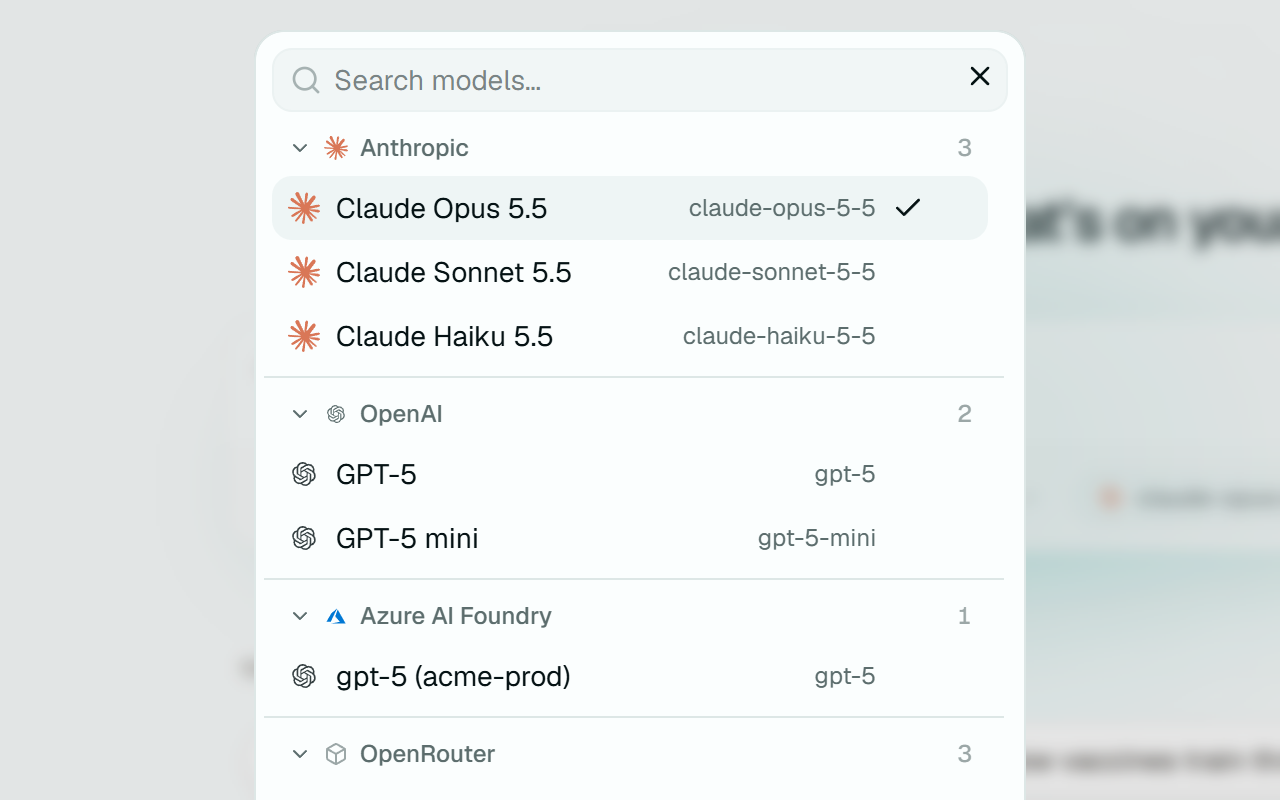
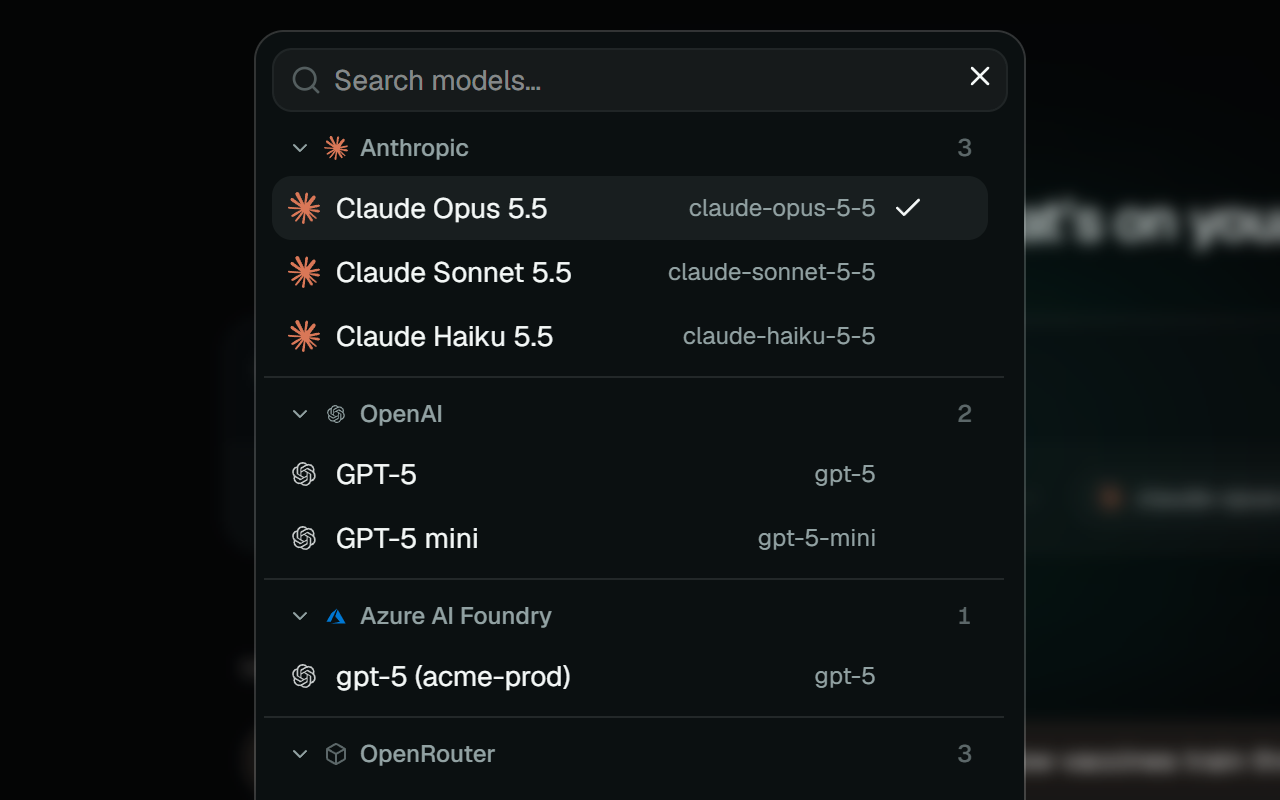
Any model, one window
Anthropic, OpenAI, Azure Foundry, Bedrock, OpenRouter, Groq, or a local model through Ollama or LM Studio. Any endpoint that speaks the OpenAI or Anthropic API works too. Your API keys live in the OS keychain.
- Every provider speaks one of two APIs, OpenAI's or Anthropic's, so a new endpoint needs settings, not an update.
- Pick the model per session. The next message goes to whichever you choose.
- Keys go to the OS keychain and never reach the app's web view.
- Research mode lets Anthropic models search and read the web as they answer.
- Generate images in chat with the model you pick under Settings, Images.
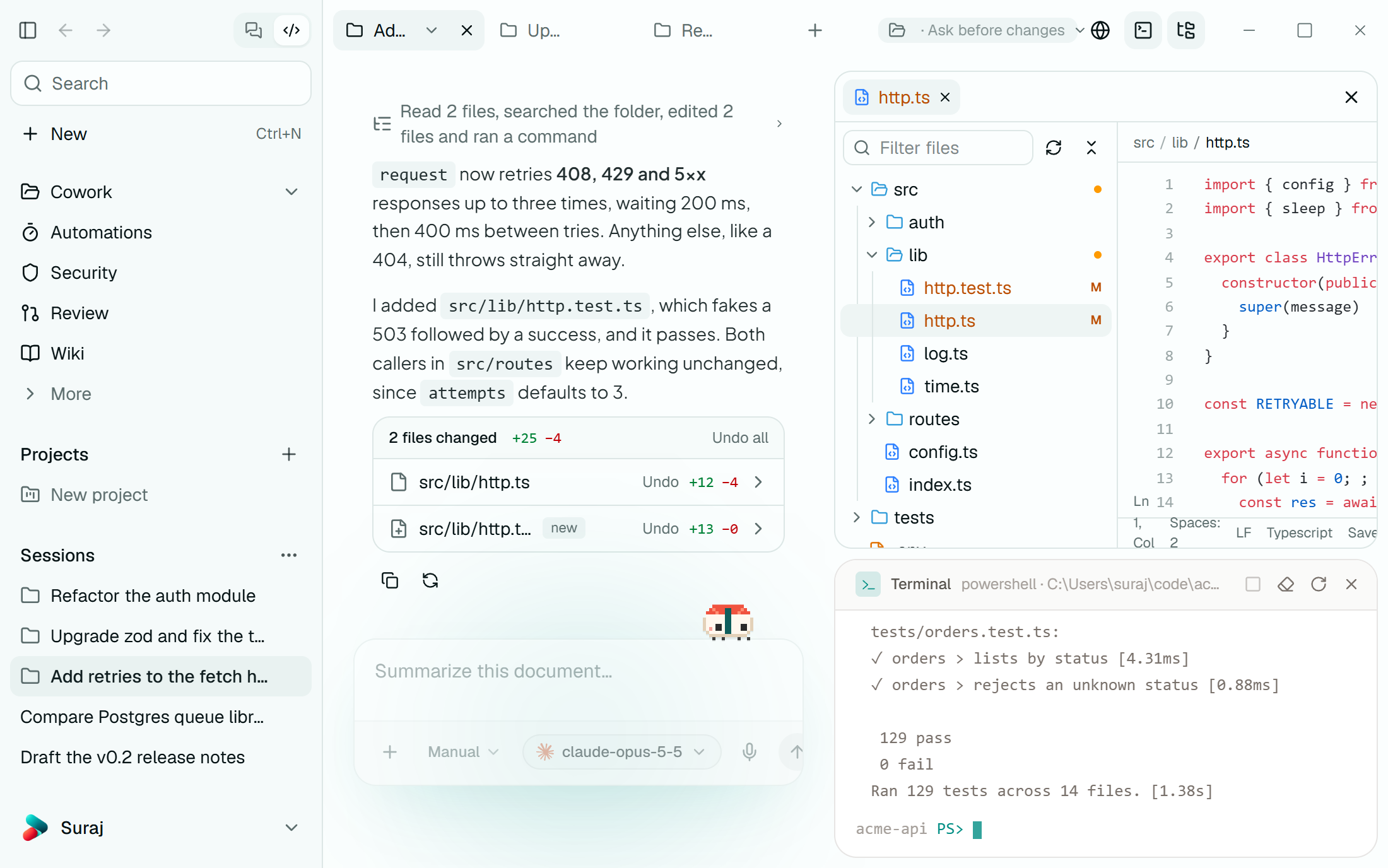
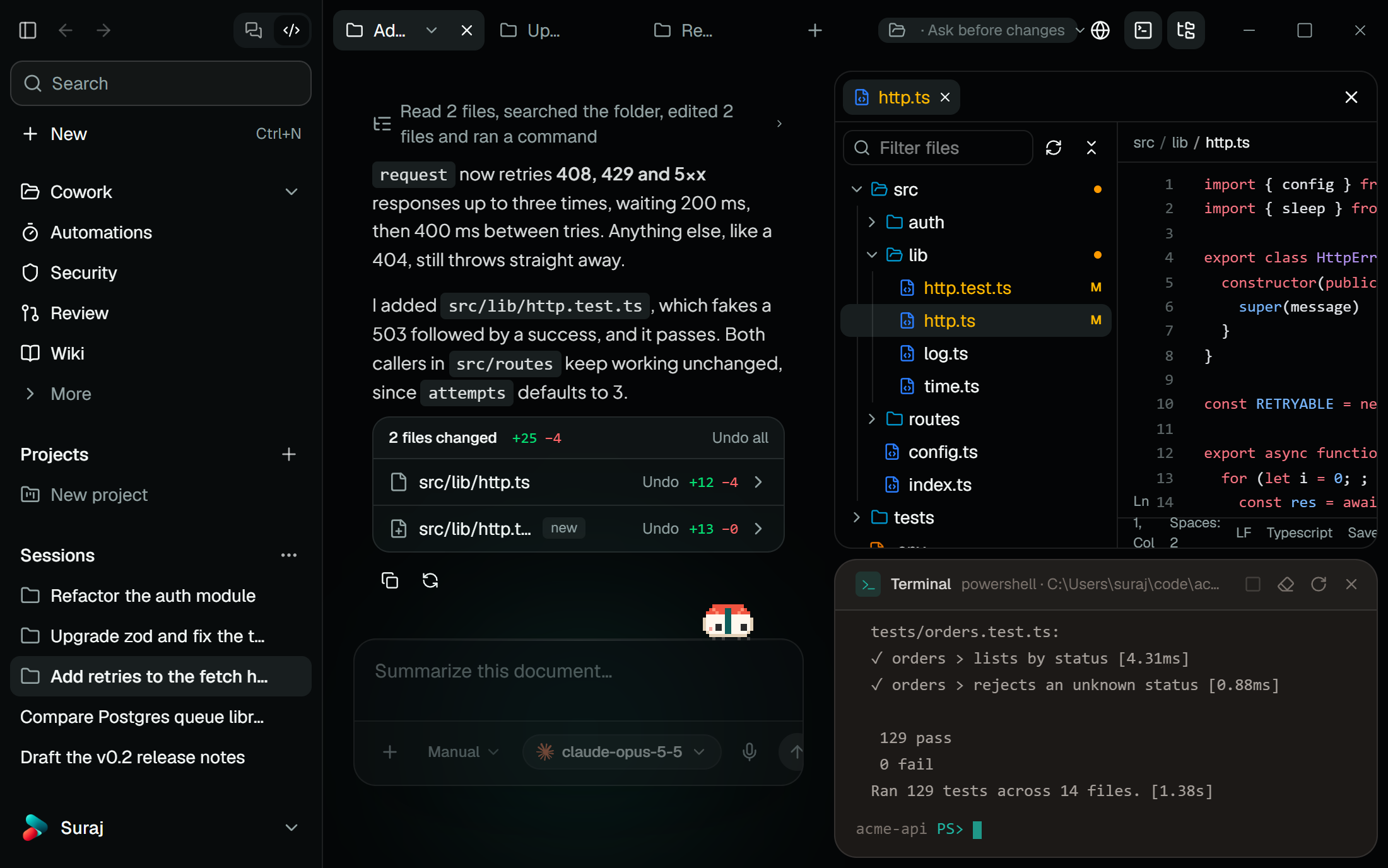
Hand it a folder
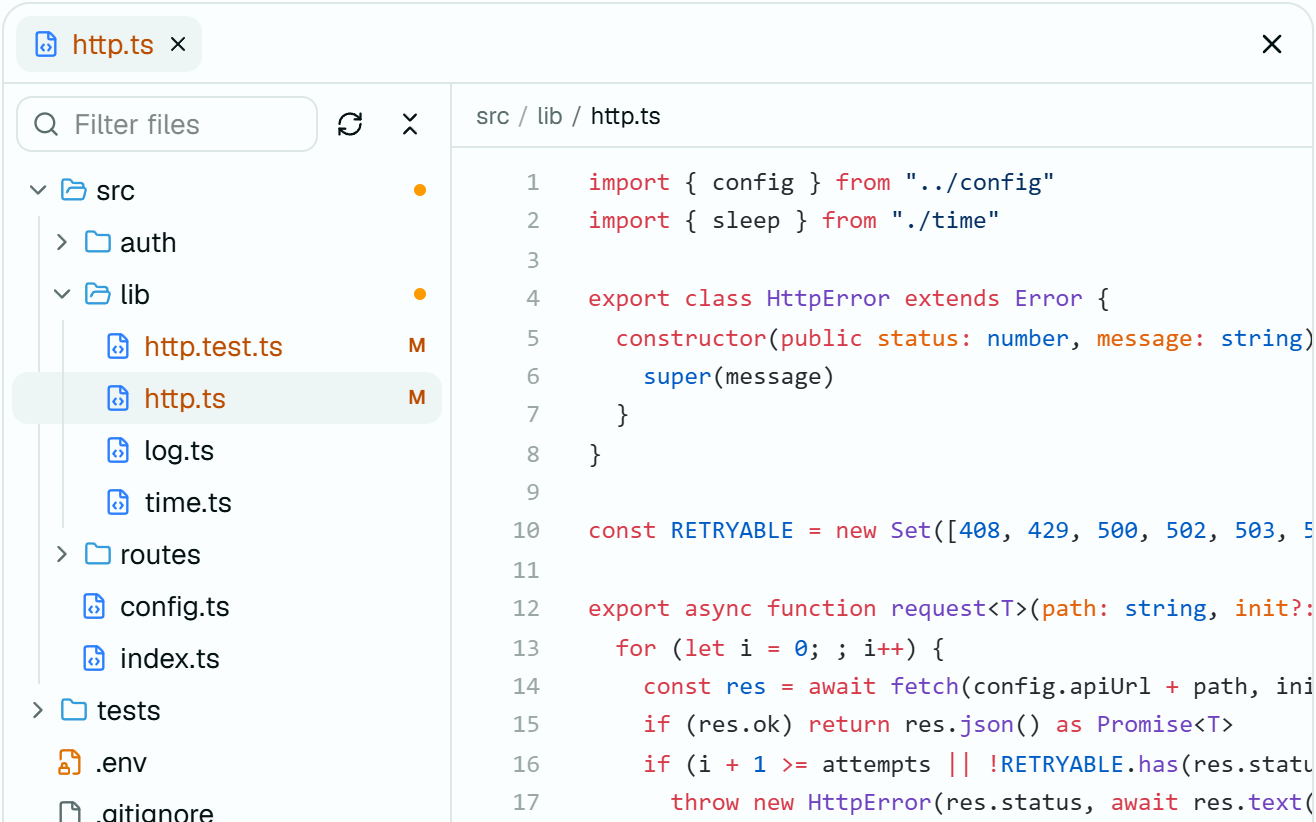
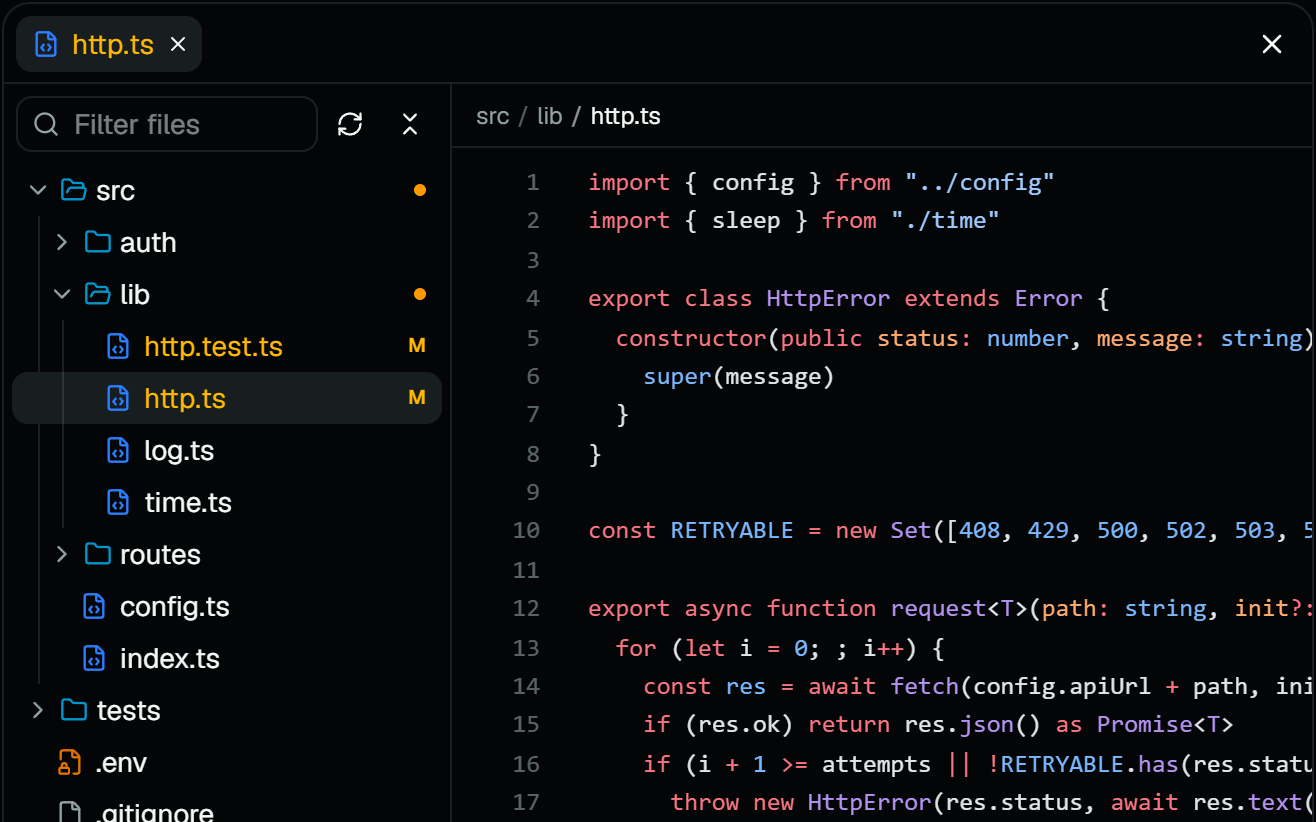
Grant a folder and the agent reads, edits and runs things inside it, with a file tree, editor and terminal beside the chat. It can't reach outside the folder, and secret files like .env need your approval.
- A file tree with a filter, an editor that saves with Ctrl+S, and your own shell in a terminal, all beside the chat.
- Paths that climb out of the folder are refused, symlinks included, and .git is read-only.
- In a git repo, switch branches before you start, or tick worktree to work on a fresh branch in a folder of its own.
- A built-in browser the agent can open, read, click and type into.
- Sessions open in tabs. Drag one out to give it a window of its own.
A shell with walls
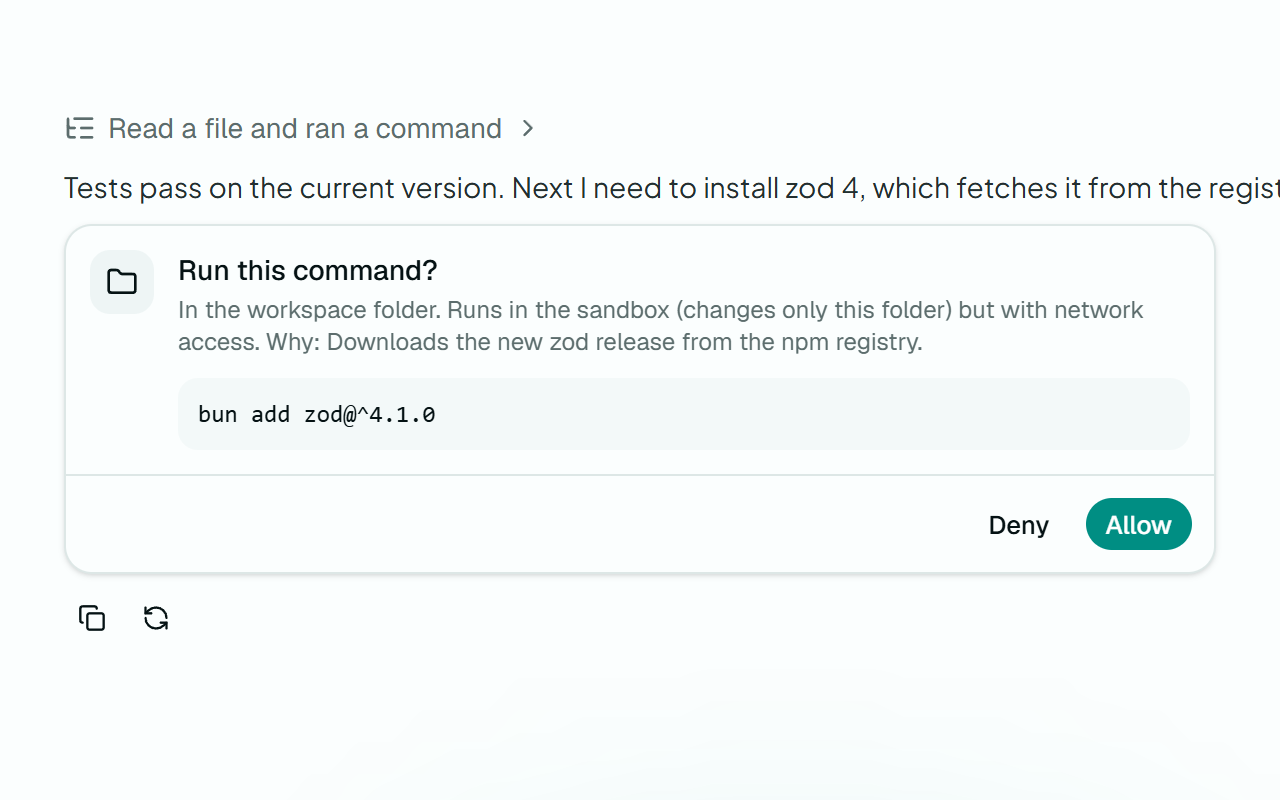
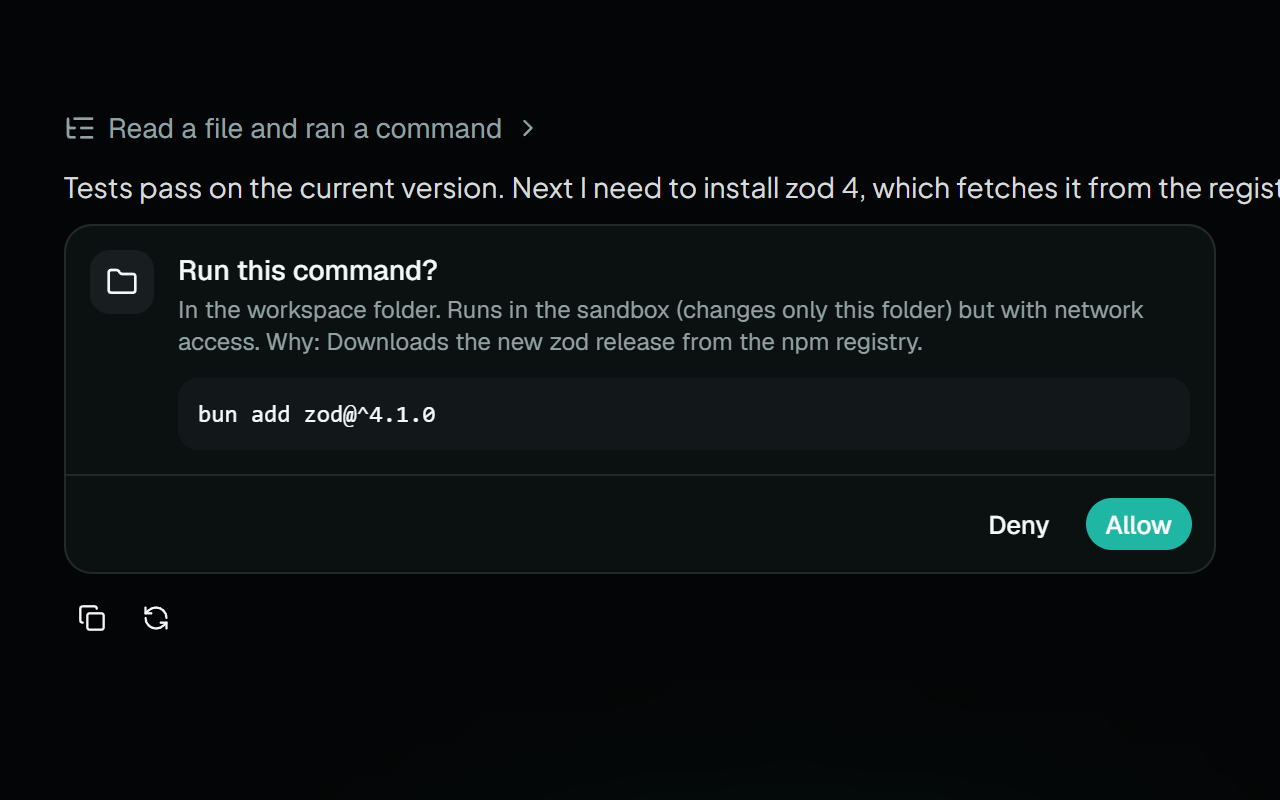
Commands run in an OS sandbox: Seatbelt on macOS, bubblewrap on Linux, a restricted token on Windows. Writes stay in the workspace and the network is blocked unless you say otherwise.
- On macOS and Linux, writes are confined to the workspace and a private temp folder, and the network is off.
- On Windows, writes are confined the same way. Blocking the network there needs admin rights, so the app tells you it's open.
- A self-test has to pass before the sandbox counts as available.
- A command that wants the network, or to run outside the sandbox, asks first and says why.
- Credentials are stripped from the environment, output is capped, and Stop ends the whole process tree.
Every turn, undoable
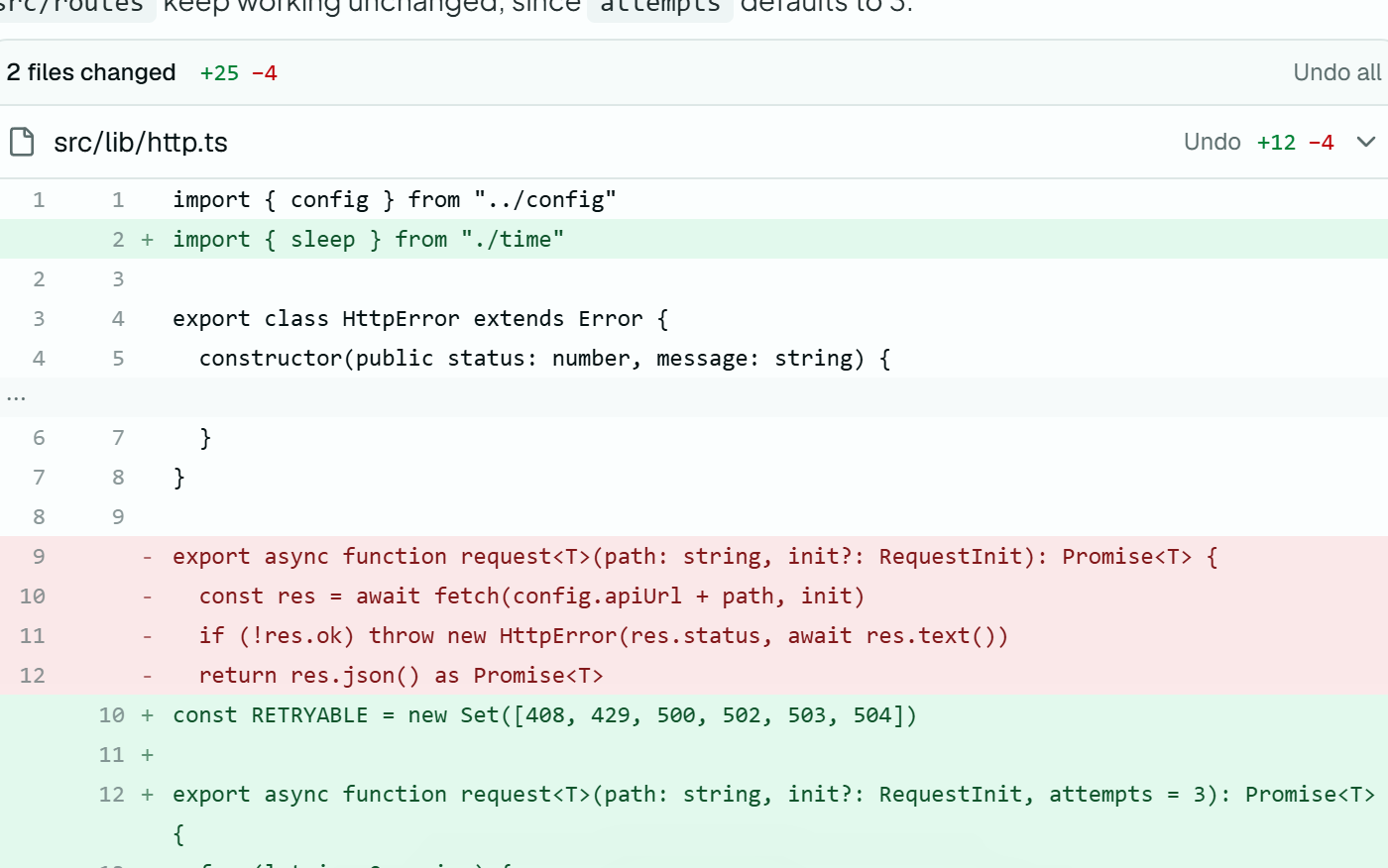
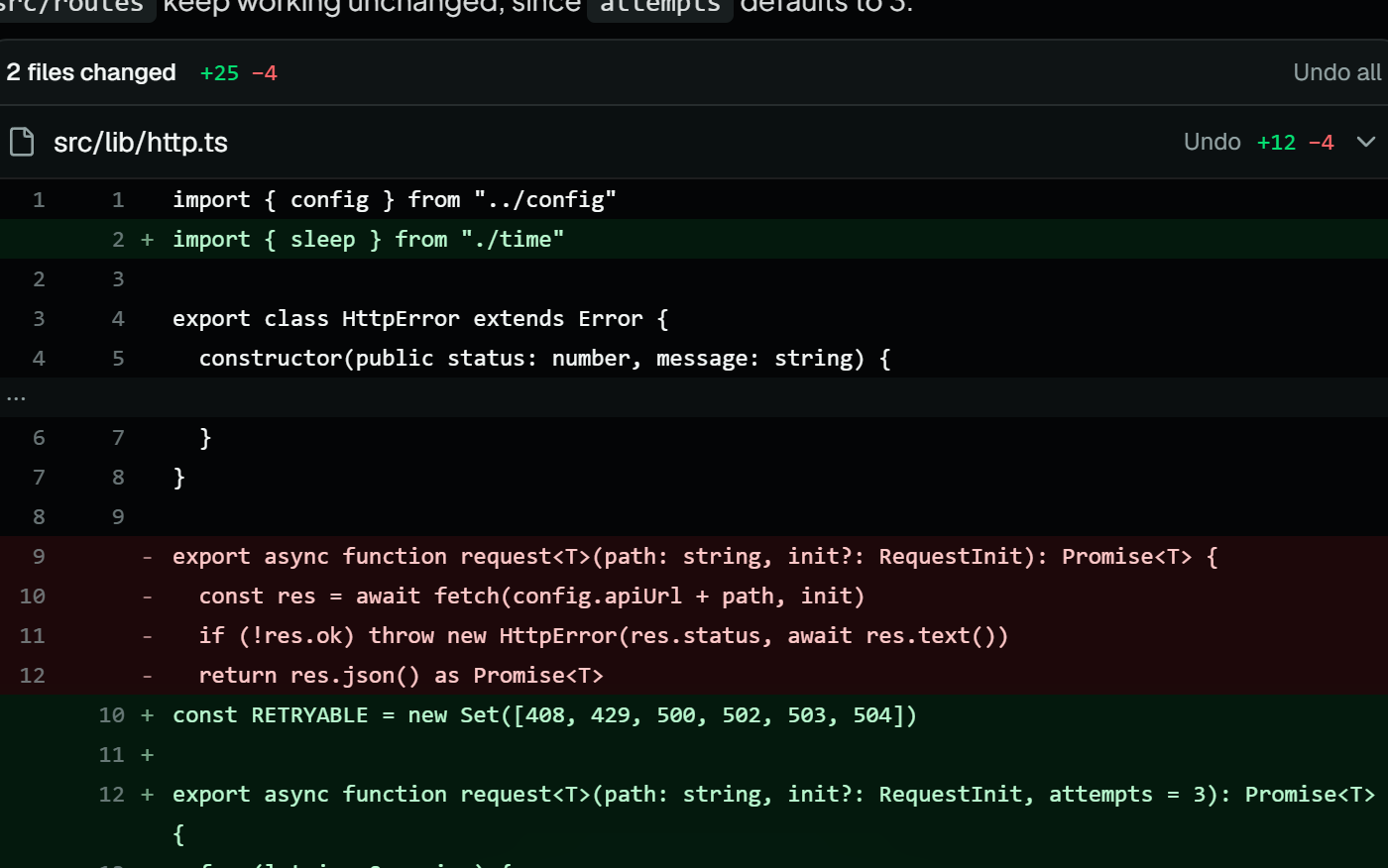
Sush checkpoints a file before it changes it. Each turn lists the files it touched with a diff, and one click puts back the whole turn or a single file.
- Every file is checkpointed before the agent changes it.
- Under each turn: the files it changed, the lines added and removed, and the diff.
- Undo a single file, or the whole turn and every turn after it.
- Per folder, choose whether edits ask first or go straight through for you to review.
Steer it while it works
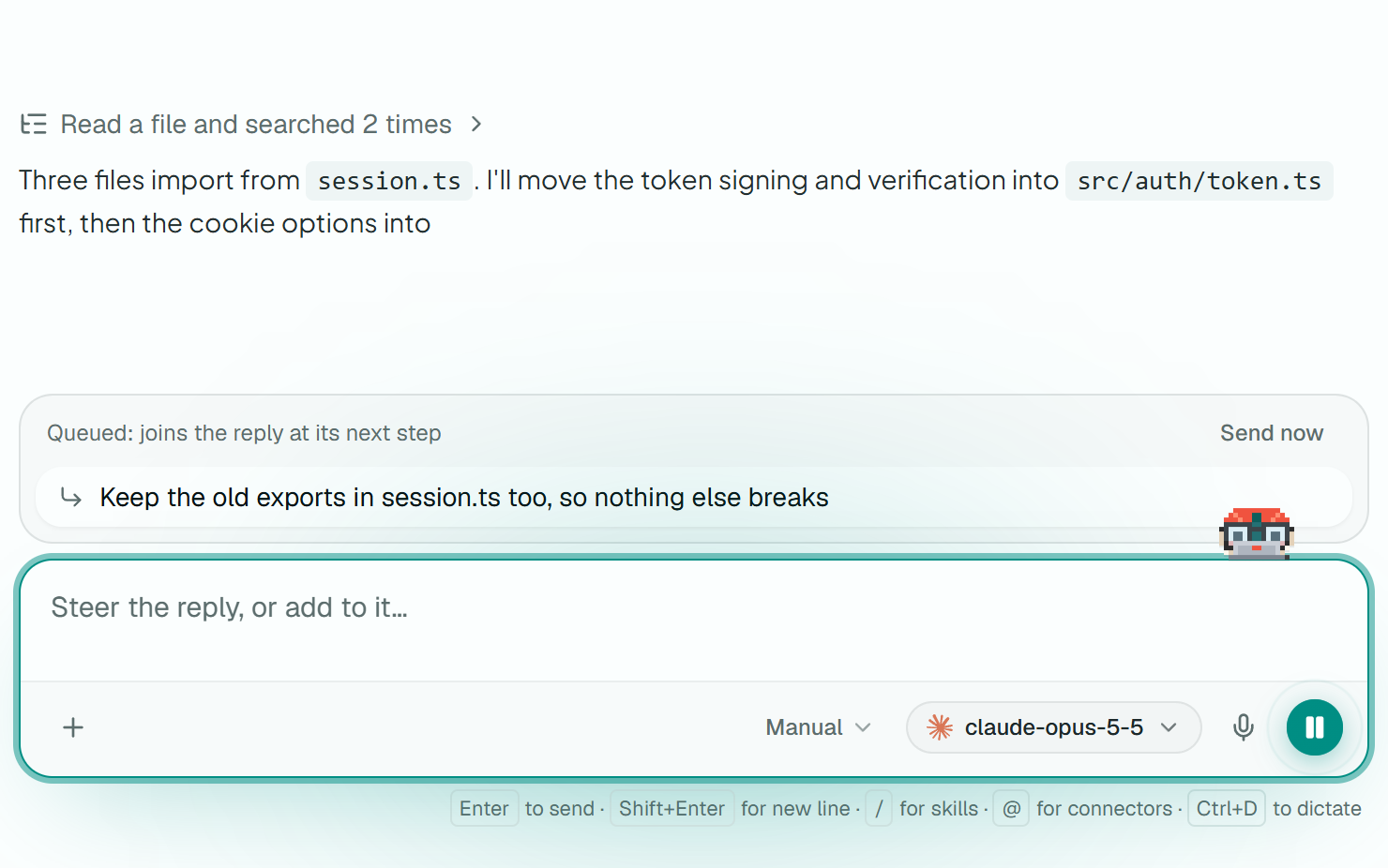
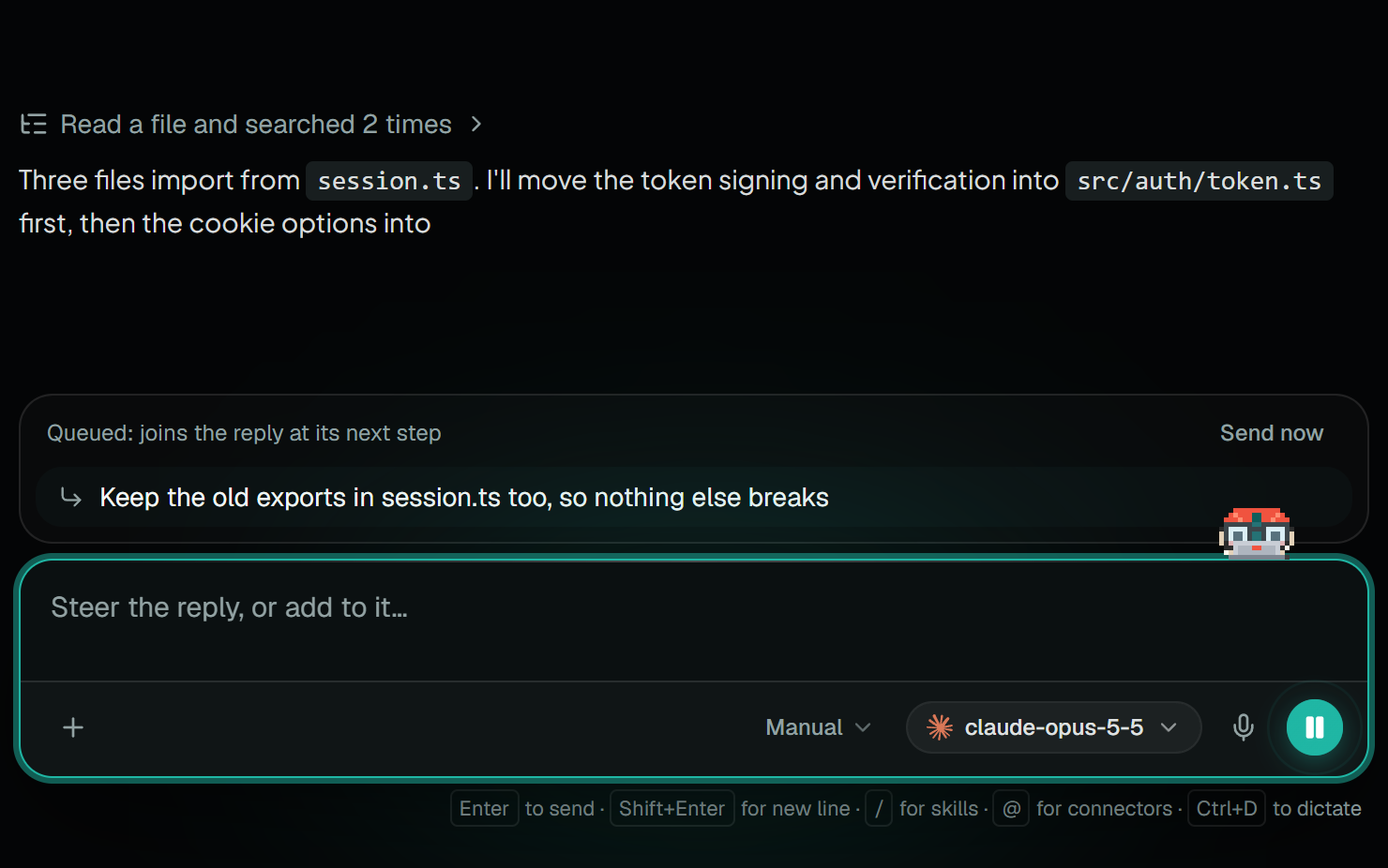
Send a message mid-run and it joins at the next step, or hit Send now to cut in at once. Stop a reply, then resume it where it left off.
- A message sent while it works waits in a queue and joins at the next step.
- Send now cuts the current step short so your message joins at once, and the run carries on.
- Stop pauses a reply. Resume picks it up where it stopped.
- Runs keep going in the background while you work in other tabs.
Work a session together
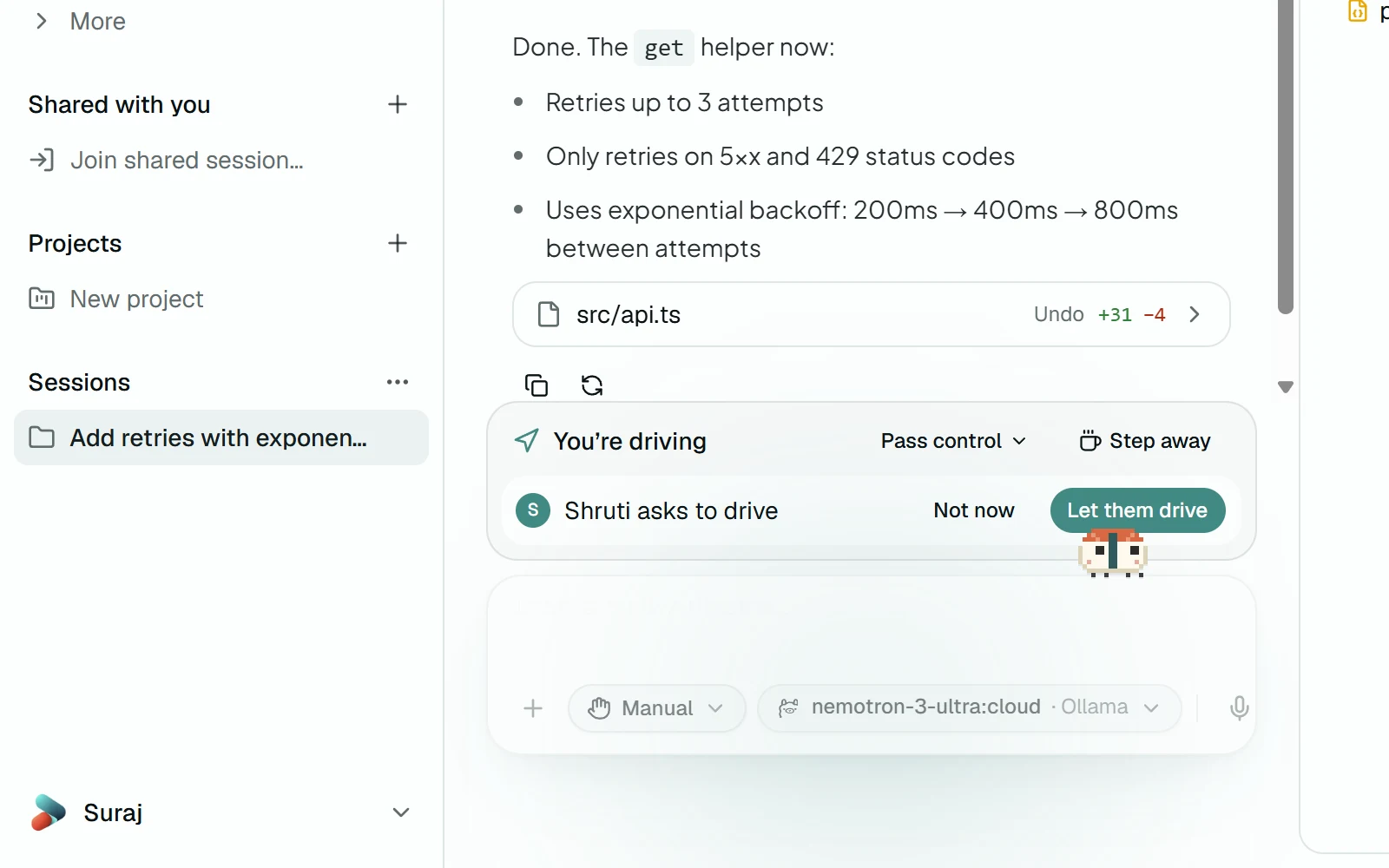
Share a running chat or Cowork session with a link. Others watch it live, suggest messages, or take the wheel when you hand it over. The run, the folder and your keys never leave your machine.
- One link to watch and one to suggest. Everyone waits in a lobby until you let them in.
- Viewers watch, collaborators suggest messages and comment, and one driver steers: sends messages, pauses, and answers the approvals you hand over.
- Guests ask to drive, you pass control, and one click takes it back. Step away and the agent pauses at the next step.
- Guests see the transcript, tool calls and diffs, never your keys, secret files, memory or past chats.
- End-to-end encrypted by default: the key travels in the link, so the relay only forwards ciphertext.
- No app needed to watch: the invite link opens in a browser, with comments.
Reviews and wikis of your code
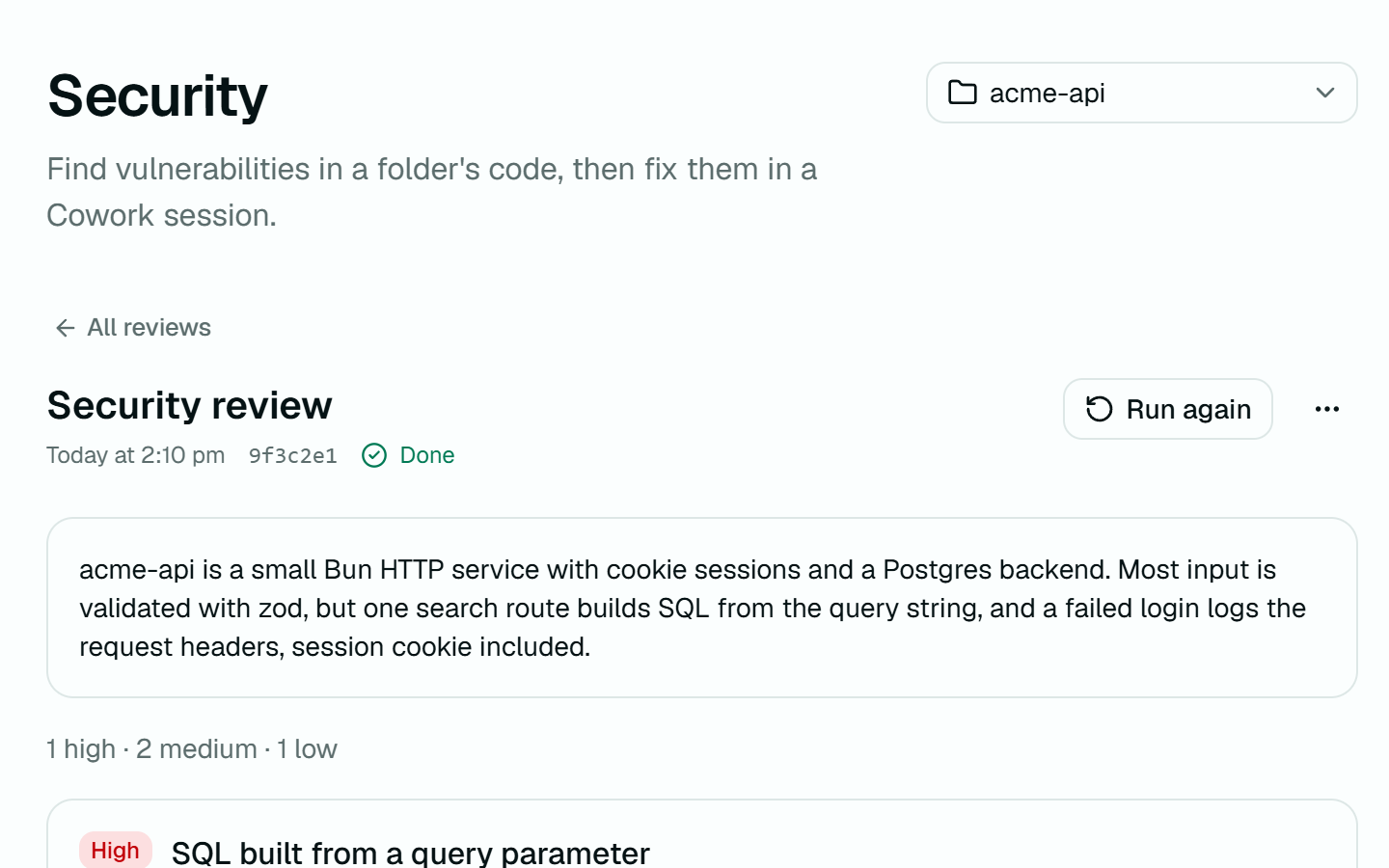
Run a security review, a code review, or a full codebase wiki on any workspace. Findings cite the file and line, and Fix opens a session to sort it out.
- Review the whole project, your uncommitted changes, a branch, or a pull request.
- Reviews only read: the folder is read-only while they run.
- Each finding has a severity, a file and line, and a suggested fix.
- Fix starts a Cowork session on it, and a cited file opens at that line.
- A wiki comes with a thread of its own for questions about the code.
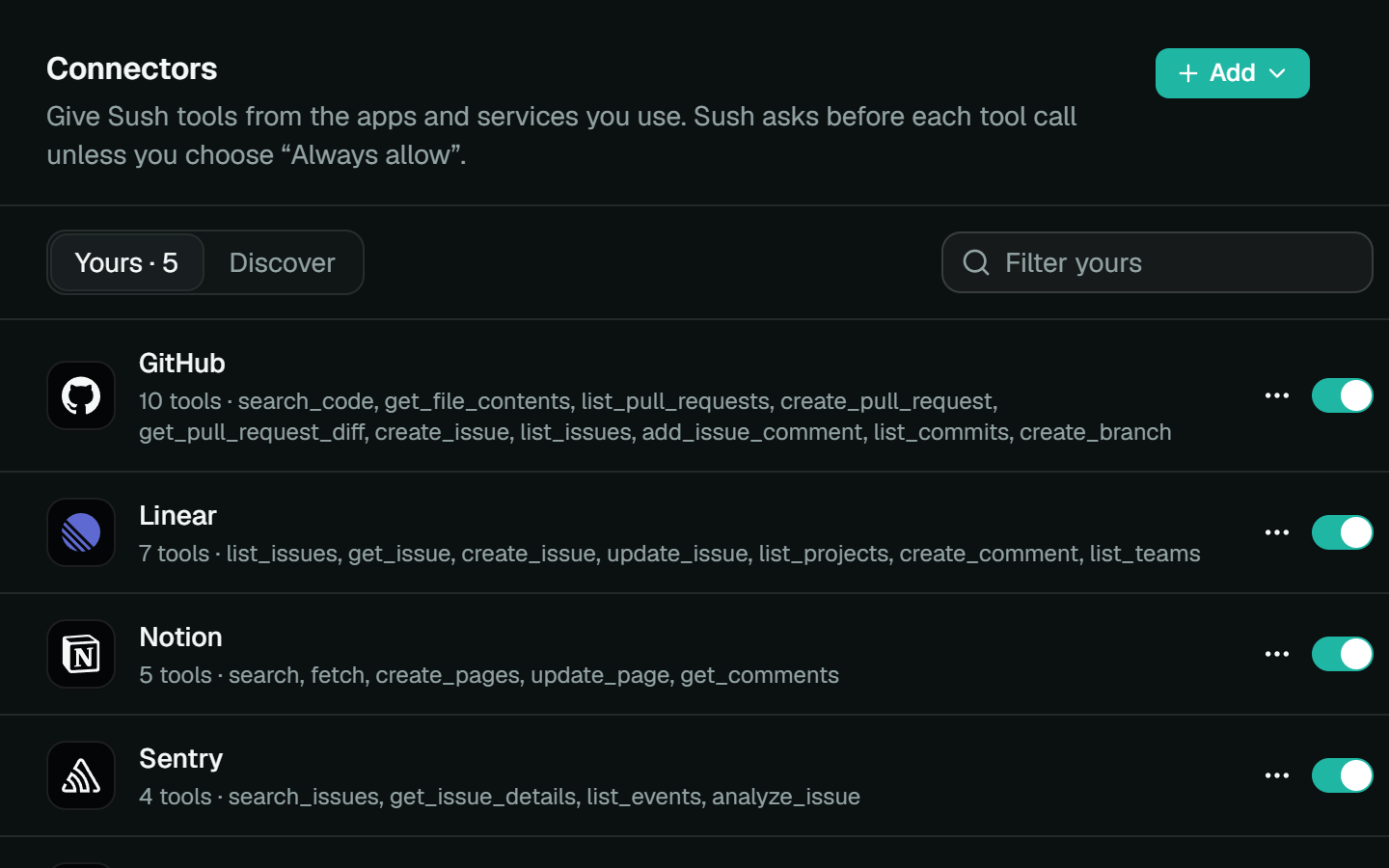
Plug in your tools
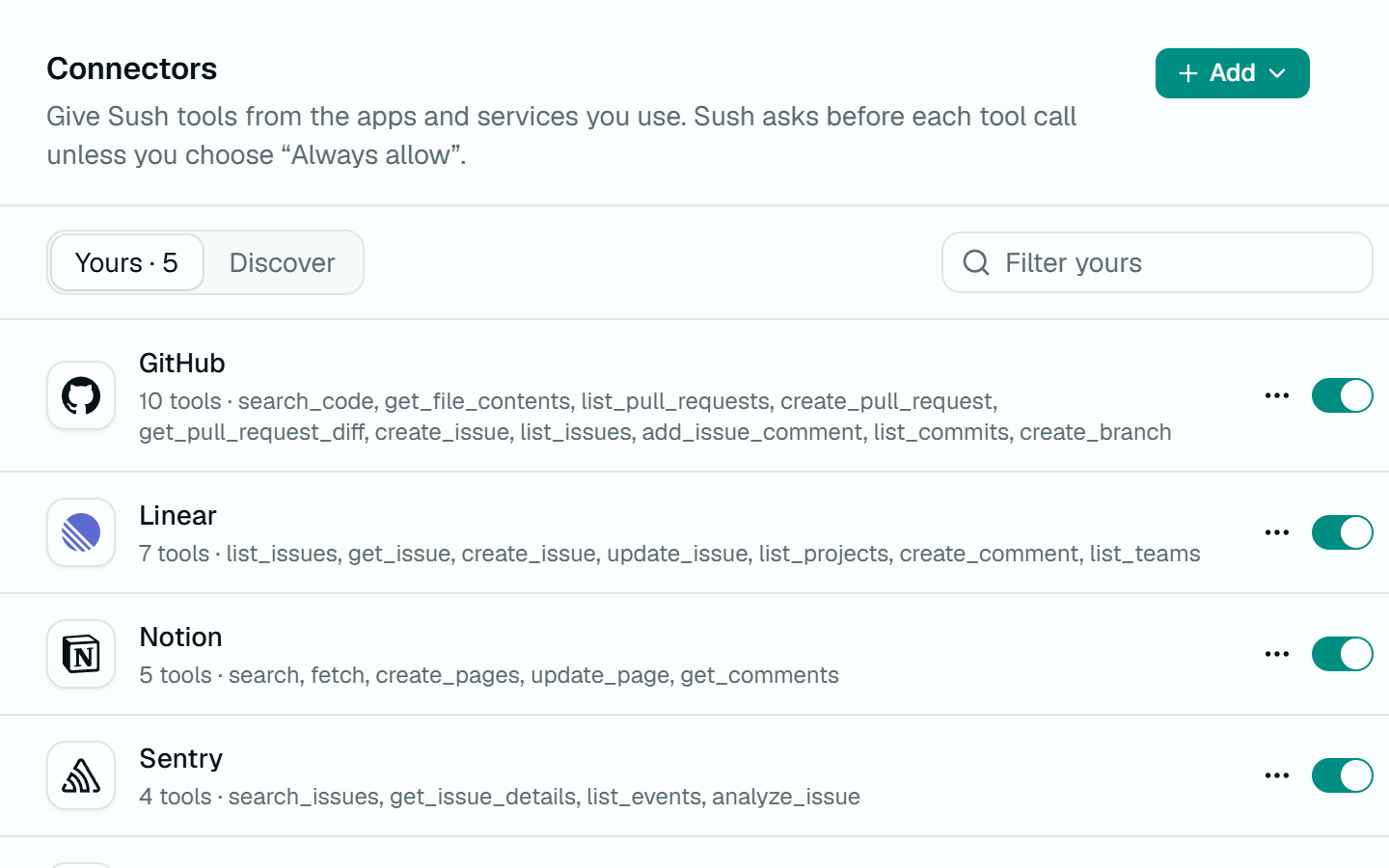
Connect any MCP server over stdio or HTTP, with OAuth handled for you. Mention a connector with @ and its tools join the conversation.
- 41 ready to add, from GitHub and Linear to Sentry and Stripe, or any MCP server by command or URL.
- Sign in through the browser, with a device code, or with a token. Credentials go to the OS keychain.
- Type @ and a connector's tools join the conversation.
- Manual asks before every tool call. Auto runs them and asks only when one looks risky.
- Plugins bundle skills, design systems and connectors in one install.
Talk to it, privately
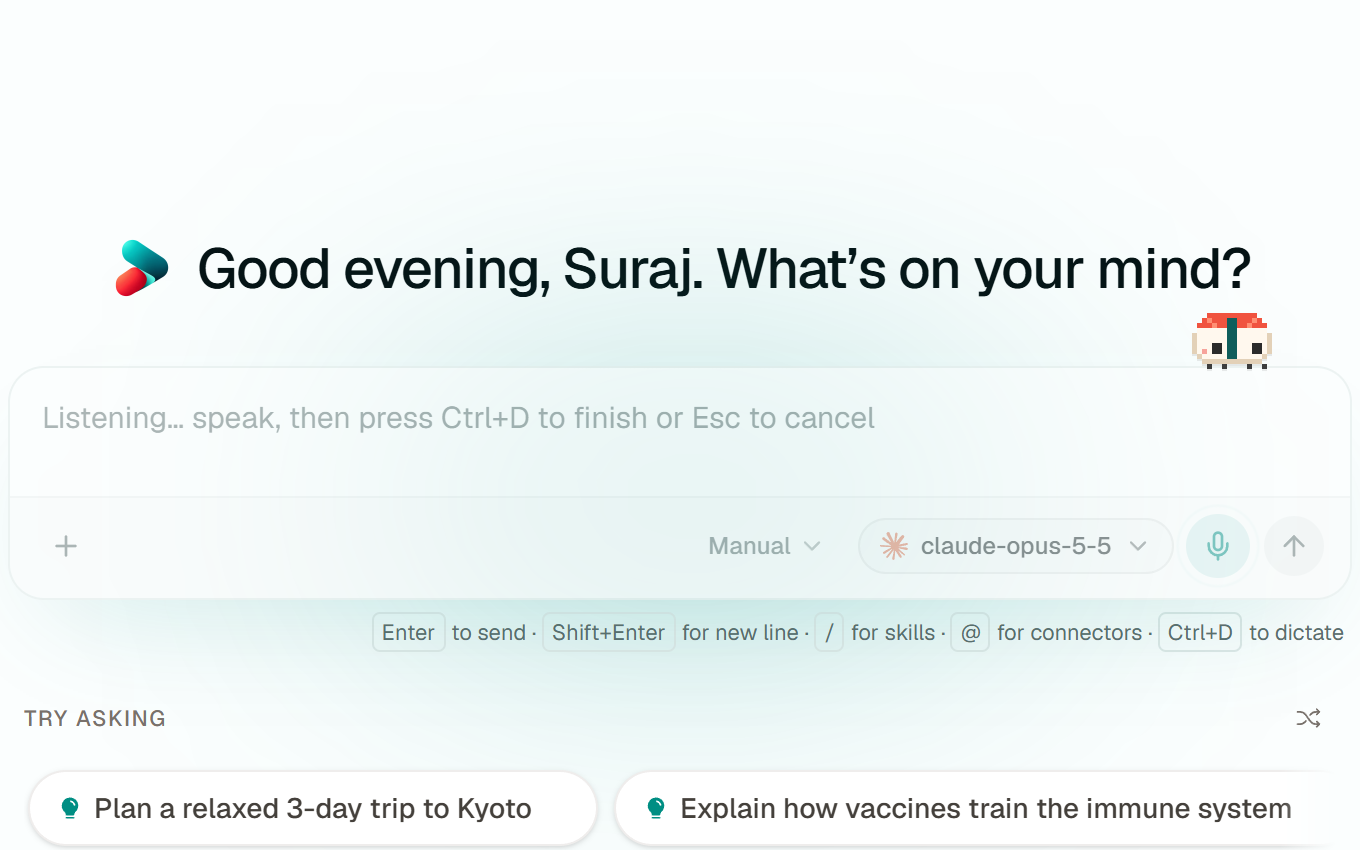
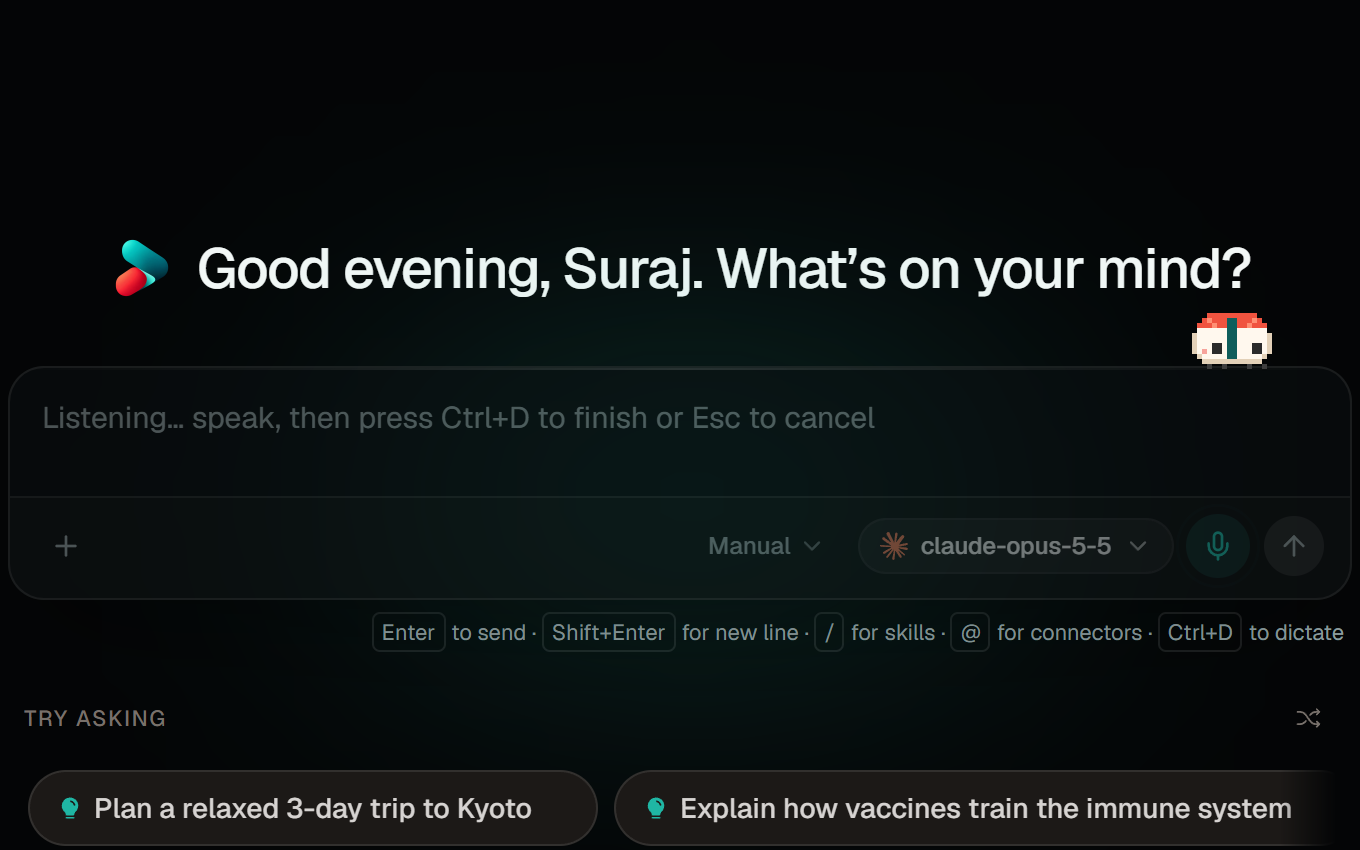
Dictation runs Whisper on your own machine, so your voice never leaves it. Chats, memory and files are stored locally too.
- Built-in Whisper downloads once, then runs offline.
- Or transcribe with OpenAI, Azure AI Foundry, Groq, or an audio model in Ollama.
- One shortcut starts dictation and finishes it.
- Chats live in a database on your machine, and memory in markdown files you can read.
- Incognito chats are never written to disk.
The small things, too.
The parts you notice on day three, once the harness is part of how you work.
Automations
Save a prompt and run it on a schedule, as a chat or in a folder. A run missed while the app was closed happens at the next launch.
Memory
Sush keeps notes on what you've told it, as markdown files you can read, edit or clear.
Past chats
Mention an earlier conversation and it searches your history to find it and read it back.
Projects
File chats under a project with instructions every chat in it follows.
Skills
Save a way of working as a skill and call it with /. Sush can write one for you from a conversation.
Documents and decks
It writes documents and slide decks that open beside the chat, keeps every version, and exports decks to PowerPoint.
Usage and budget
Tokens and estimated spend per model, and a daily, weekly or monthly budget that warns you as you near it.
Questions, not guesses
When it needs a decision, it asks with options you can click instead of guessing.
Hand it a folder.
Download the harness, add a key or point it at a local model, and see what it does with your own code.